
If you want the best gaming mouse under ₹1,000 in India for raw sensor accuracy and competitive FPS gaming, the Cosmic Byte Firestorm RGB is our top overall pick. It features a reliable PixArt 3327 optical sensor, a fast 1000Hz polling rate, and a lightweight 67g body.
For ultra-lightweight mouse fans, the EvoFox Phantom Air weighs just 54g and uses a breathable honeycomb design. If you prefer a solid 55g body with smooth PTFE feet, the Kreo Harpy Wired is a great alternative.
Key Takeaways
- Choose Sensor Accuracy Over High DPI: Look for proven optical sensors like the PixArt 3327 or Instant A825. A high DPI number does not help if the mouse sensor spins out during fast flicks.
- 1000Hz Polling Rate is Standard: Make sure your Gaming mouse supports a 1000Hz polling rate (1ms response time). This removes delay between your mouse movements and the screen in fast games like Valorant and CS2.
- Lightweight Advantage: Mice weighing under 70g cut down on wrist fatigue and help you make quick, precise movements during long gaming sessions.
- PTFE Feet & Braided Cables: Smooth 100% PTFE feet (low-friction plastic glides) and flexible braided cables ensure your mouse moves across your desk mat without drag.
Key Specifications Comparison
| Specification | Cosmic Byte Firestorm RGB | EvoFox Phantom Air | Kreo Harpy | Dawg Slay 25 | EvoFox Phantom 2 | Portronics Vader |
|---|---|---|---|---|---|---|
| Price | ₹858 | ₹569 | ₹499 | ₹899 | ₹679 | ₹347 |
| Sensor | PixArt 3327 | Optical 12800 DPI | Instant A825 | PixArt 3327 | Optical 12800 DPI | Optical 6400 DPI |
| Weight | 67g | 54g | 55g | 85g | Medium-heavy | Ergonomic build |
| Max DPI | 12,400 | 12,800 | 12,800 | 12,400 | 12,800 | 6,400 |
| Polling Rate | 1000Hz | 1000Hz | 1000Hz | 1000Hz | 1000Hz | Standard USB |
| Cable | Paracord cable | Braided cable | Braided cable | Wired USB | Braided cable | 1.5m USB cable |
| Buttons | — | — | — | — | 8 programmable | 6 |
| Rating | 4.6/5 (284) | — | 4.6/5 (117) | — | — | 4.5/5 (44) |
| Best For | Balanced gaming | Lightweight gaming | Budget lightweight gaming | Performance gaming | Customisable gaming | Entry-level gaming |
Top Gaming Mouse Under ₹1,000 in India
1. Best Overall FPS Performance: Cosmic Byte Firestorm RGB
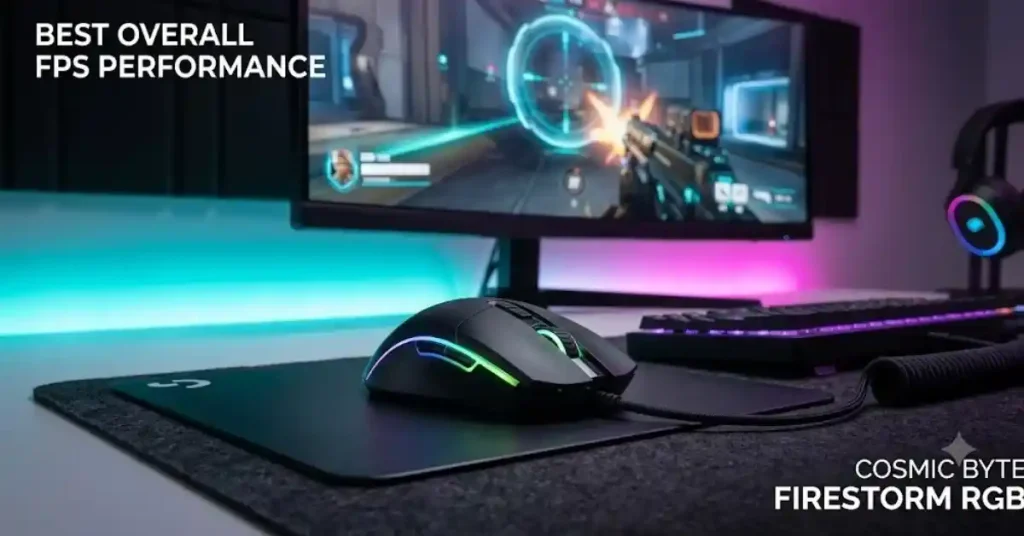
Cosmic Byte Firestorm RGB Wired Gaming Mouse
₹858.00
4.6 star rating4.6 (284)
Key Features:
- Gaming Software Support: Customise DPI, macros, buttons and RGB effects.
- PixArt 3327 Sensor: Provides accurate tracking for competitive gaming.
- Adjustable DPI: Supports 200–12,400 DPI for custom sensitivity.
- Ultra-Lightweight Design: Weighs just 67g for quick movements.
- 1000Hz Polling Rate: Delivers responsive cursor movement and input tracking.
- 7 Programmable Buttons: Assign custom commands and gaming shortcuts.
- Huano Switches: Rated for up to 10 million clicks.
- Customisable RGB Lighting: Offers 11 RGB lighting effects.
- 1.5m Paracord Cable: Lightweight cable reduces drag during gameplay.
- Replaceable Covers: Includes interchangeable covers for different looks.
Best For: FPS gamers who want a lightweight mouse with accurate tracking, fast response and customisable controls at an affordable price.
2. Best Ultra-Lightweight Honeycomb: EvoFox Phantom Air
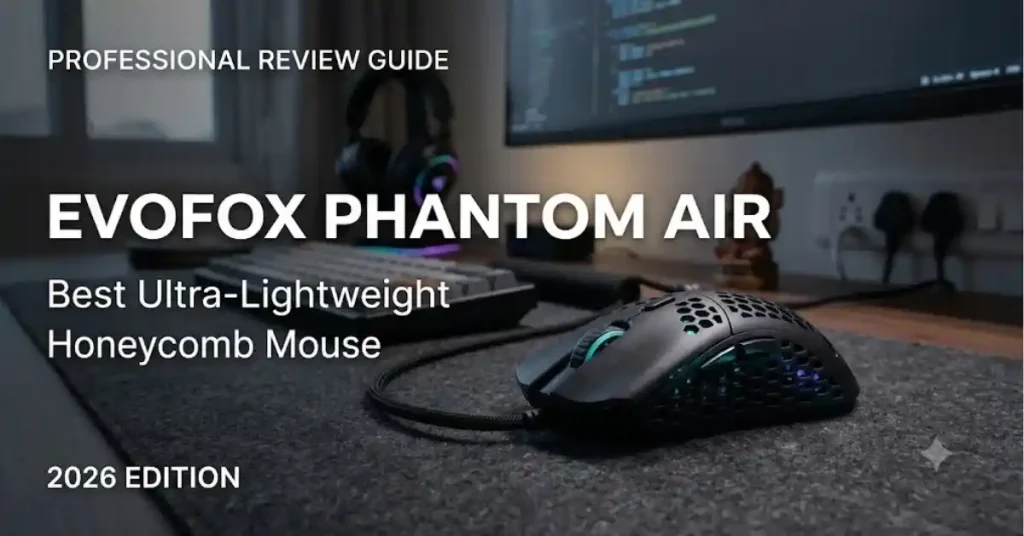
EvoFox Phantom Air Ultra Lightweight Wired Gaming Mouse
₹569.00
4.4 star rating4.6 (489)
Key Features:
- Plug-and-Play USB Connection: Works without complicated installation.
- 54g Ultra-Lightweight Design: Enables quick movements and reduces hand fatigue during long gaming sessions.
- 12,800 DPI Sensor: Offers adjustable sensitivity for precise tracking.
- 1000Hz Polling Rate: Provides responsive cursor movement for gaming.
- Honeycomb RGB Design: Features a lightweight shell with attractive RGB lighting.
- 6 Programmable Buttons: Allows custom commands and macros.
- Huano Switches: Rated for up to 10 million clicks.
- Customisation Software: Adjust DPI, buttons, macros and RGB lighting.
- 1.5m Braided Cable: Offers flexible movement and improved durability.
- 20G Acceleration: Supports fast mouse movements during gameplay.
Best For: FPS and casual gamers looking for an affordable, lightweight honeycomb gaming mouse with RGB lighting and customisable controls.
3. Best Solid Shell Lightweight: Kreo Harpy Wired Gaming Mouse
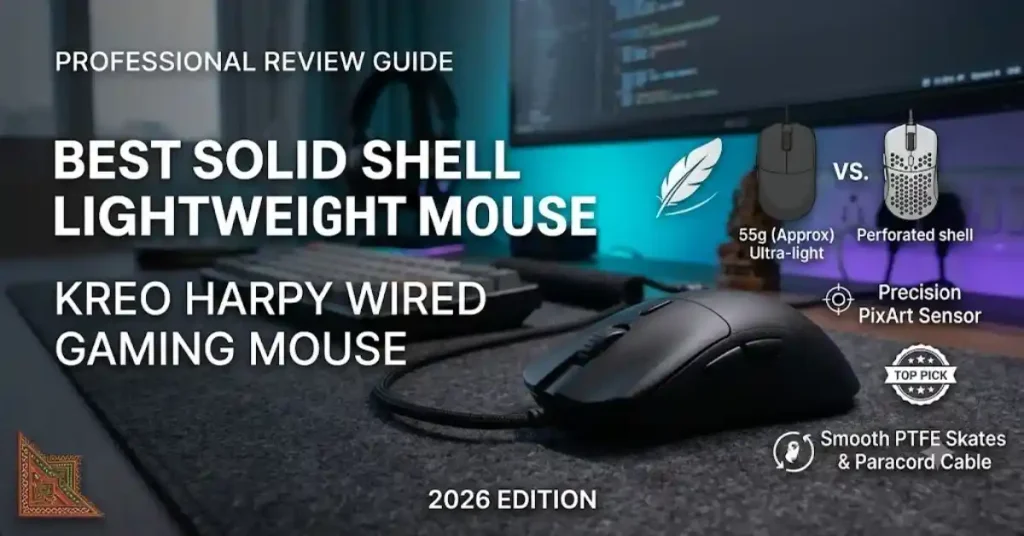
Kreo Harpy Wired Gaming Mouse 55g Ultra-Light
₹499.00
4.6 star rating4.6 (117)
Key Features:
- Plug-and-Play Connectivity: Works through USB 2.0 without complicated setup.
- 55g Lightweight Design: Makes quick movements easier and helps reduce wrist fatigue during long gaming sessions.
- Instant A825 Optical Sensor: Provides accurate tracking with up to 12,800 DPI.
- Adjustable DPI: Supports 200–12,800 DPI sensitivity levels.
- 1000Hz Polling Rate: Delivers responsive tracking with a 1ms response time.
- 6 Programmable Buttons: Supports custom commands, macros and gaming shortcuts.
- 13 RGB Lighting Modes: Offers customisable lighting effects to match your gaming setup.
- Symmetrical Design: Supports palm, claw and fingertip grip styles.
- 10 Million Click Switches: Designed for long-term durability.
- PTFE Mouse Feet: Provide smooth gliding across different mousepad surfaces.
- 1.5m Braided Cable: Offers flexible and reliable wired connectivity.
- 20G Acceleration: Supports fast and accurate mouse movements.
Best For: FPS gamers who want a lightweight solid-shell mouse with accurate tracking, smooth movement and customisable RGB lighting.
4. Best Durable PixArt Alternative: daWg Slay 25
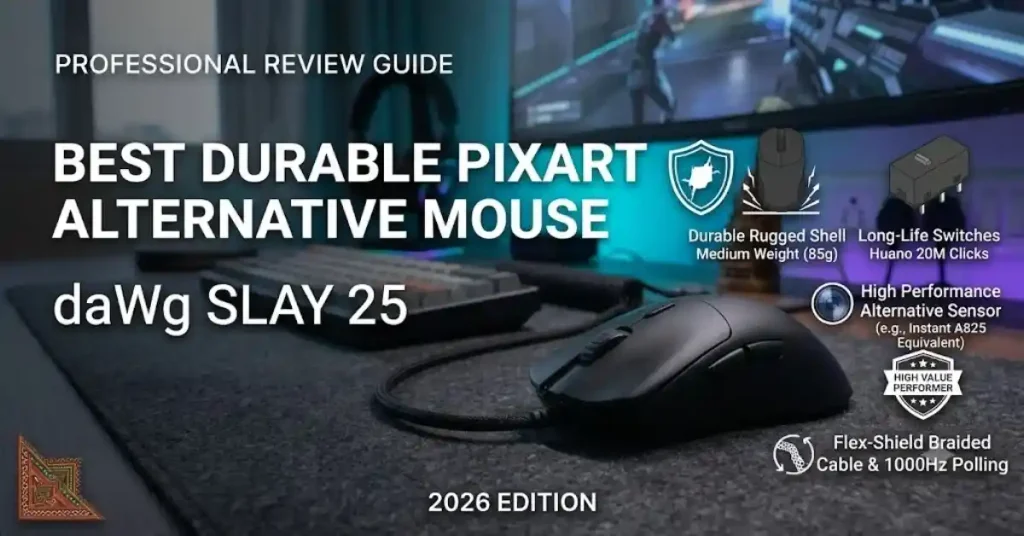
Dawg Slay 25 Wired Gaming Mouse
₹899.00
4.3 star rating4.6 (137)
Key Features:
- Wide Compatibility: Supports Windows, macOS and Linux.
- PixArt PAW 3327 Sensor: Delivers accurate tracking for FPS and competitive gaming.
- 12,400 DPI Sensitivity: Offers adjustable DPI levels for customised mouse control.
- 1000Hz Polling Rate: Provides a responsive 1ms reporting interval.
- 85g Lightweight Design: Supports quick movements without feeling too heavy.
- Huano Switches: Rated for up to 20 million clicks for long-term durability.
- 6 Programmable Buttons: Allows custom commands and gaming shortcuts.
- 220 IPS Tracking Speed: Handles fast mouse movements with reliable accuracy.
- 30G Acceleration: Supports quick flicks and rapid movements.
- Advanced Gaming Software: Allows DPI, button and macro customisation.
- 1.5m Braided Cable: Provides durable wired connectivity.
Best For: FPS and competitive gamers who want a reliable PixArt sensor, durable Huano switches and accurate tracking at an affordable price.
5. Best Ergonomic Option: EvoFox Phantom 2
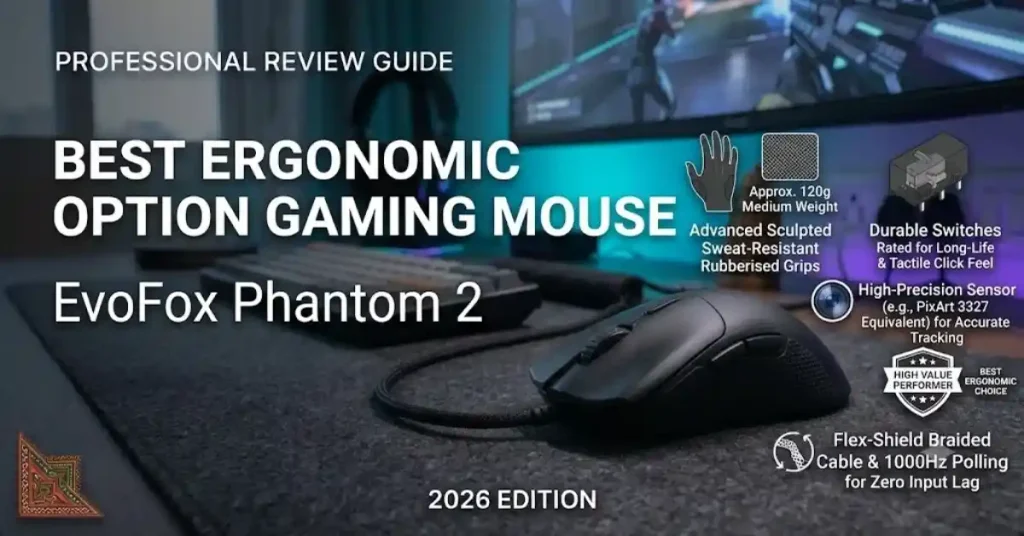
EvoFox Phantom 2 Programmable Gaming Mouse 8 Programmable Buttons High Performance 1000Hz Polling Rate
₹679.00
4.5 star rating4.6 (157)
Key Features:
- UPE Mouse Feet: Help deliver smooth movement across mousepad surfaces.
- Large Ergonomic Design: Provides a comfortable grip for extended gaming sessions.
- Instant 825 Optical Sensor: Delivers reliable tracking for everyday and gaming use.
- Adjustable DPI: Supports 200–12,800 DPI for customised sensitivity.
- 1000Hz Polling Rate: Offers responsive cursor movement with a 1ms reporting interval.
- 8 Programmable Buttons: Allows custom commands, macros and gaming shortcuts.
- Huano Mechanical Switches: Rated for up to 10 million clicks.
- Customisable RGB Lighting: Includes multiple lighting effects and music sync mode.
- Onboard Memory: Saves customised settings and gaming profiles.
- 20G Acceleration: Supports fast mouse movements.
- 1.5m Braided Cable: Provides durable wired connectivity.
Best For: Gamers who prefer a larger ergonomic mouse with programmable buttons, customisable RGB lighting and comfortable handling.
6. Best Entry-Level Ergonomic: Portronics Vader
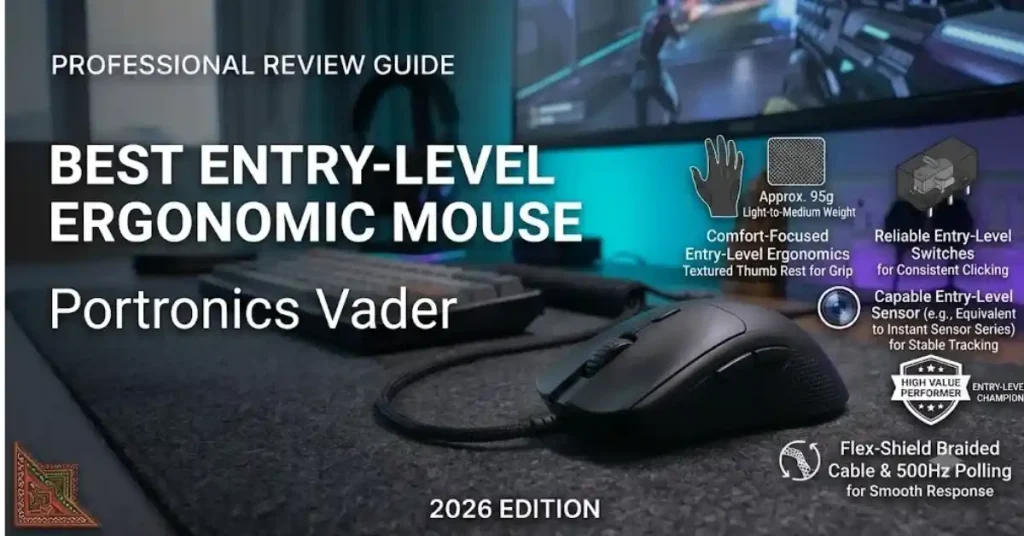
Portronics Vader Wired Gaming Mouse with 6 Buttons
₹347.00
4.4 star rating4.5 (44)
Key Features:
- Ergonomic Design: Provides a comfortable grip for everyday gaming and extended use.
- Dedicated Thumb Rest: Offers additional thumb support and helps reduce hand fatigue.
- Adjustable DPI: Supports 1,000, 1,600, 3,200 and 6,400 DPI sensitivity levels.
- Optical Sensor: Delivers precise tracking for casual and entry-level gaming.
- 6-Button Layout: Includes left-click, right-click, scroll wheel, DPI switch and forward/backward buttons.
- RGB Lighting: Adds colourful lighting effects to your gaming setup.
- 1.5m USB Cable: Provides reliable wired connectivity without battery charging.
- Plug-and-Play Support: Works without complicated driver installation.
- Wide Compatibility: Supports Windows and macOS.
- 1-Year Warranty: Comes with a 12-month manufacturer warranty.
Best For: Beginners and casual gamers looking for an affordable ergonomic gaming mouse with thumb support, RGB lighting and adjustable DPI.
What to Compare Before Buying a Budget Gaming Mouse
1. Optical Sensor Quality & IPS Rating
The sensor is the most important part of a gaming mouse. The PixArt 3327 is one of the best budget sensors because it tracks fast movements up to 220 IPS (Inches Per Second) without lag or jitter. Entry-level sensors like the Instant A825 also perform well for casual gaming.
2. Polling Rate (125Hz vs. 1000Hz)
Polling rate measures how often the mouse updates its position on your PC screen. Standard office mice update at 125Hz (8ms delay), causing small stutters when you move the mouse fast. A gaming mouse with a 1000Hz polling rate (1ms delay) gives you instant, smooth cursor response.
3. Mouse Weight & PTFE Glides
Most competitive gamers prefer lightweight mice weighing between 50g and 75g. Lighter mice need less effort to move, helping you stop your crosshair right on target. Paired with PTFE skates, a light mouse glides smoothly across your desk without dragging.
READ ALSO:–Best Tablets Under ₹50,000 in India (2026): Top Picks and Buying Guide
Frequently Asked Questions
What is the best sensor in a gaming mouse under ₹1,000 in India?
The PixArt 3327 found in mice like the Cosmic Byte Firestorm and daWg Slay 25 is considered the top sensor in this price range. It supports up to 220 IPS tracking speed and 30G acceleration.
Is a 1000Hz polling rate important for gaming?
Yes. A 1000Hz polling rate sends position updates to your PC every 1 millisecond. This cuts down input lag compared to standard 125Hz office mice, giving you smoother tracking in fast games like Valorant or CS2.
Are lightweight mice good for FPS gaming?
Lightweight mice (under 70g) like the EvoFox Phantom Air (54g) and Kreo Harpy (55g) make fast flick shots easier and reduce wrist fatigue during long gaming sessions.
Can I change DPI settings on budget gaming mice?
Yes. Most budget gaming mice have a dedicated DPI button below the scroll wheel to switch sensitivity levels (such as 800, 1600, or 3200 DPI). Many also offer software to fine-tune exact DPI levels.
Do budget gaming mice work on macOS?
Basic movement and main buttons work right away on a Mac. However, manufacturer software for setting up macros and custom RGB modes is usually designed for Windows only.
What are PTFE mouse feet and why do they matter?
PTFE (Polytetrafluoroethylene) feet are smooth glide pads on the bottom of the mouse. They help the mouse slide effortlessly across cloth mousepads without friction.
How long do Huano switches last on budget mice?
Budget gaming mice with Huano switches are rated for 10 million to 20 million clicks, giving you durable performance for several years of regular use.
What is lift-off distance (LOD)?
Lift-Off Distance is the height at which the sensor stops tracking when you lift the mouse off your desk. A low LOD prevents unwanted cursor jumps when you reposition your Gaming mouse.
1 thought on “Best Gaming Mouse Under ₹3,000 in India (2026 Buyer’s Guide)”