
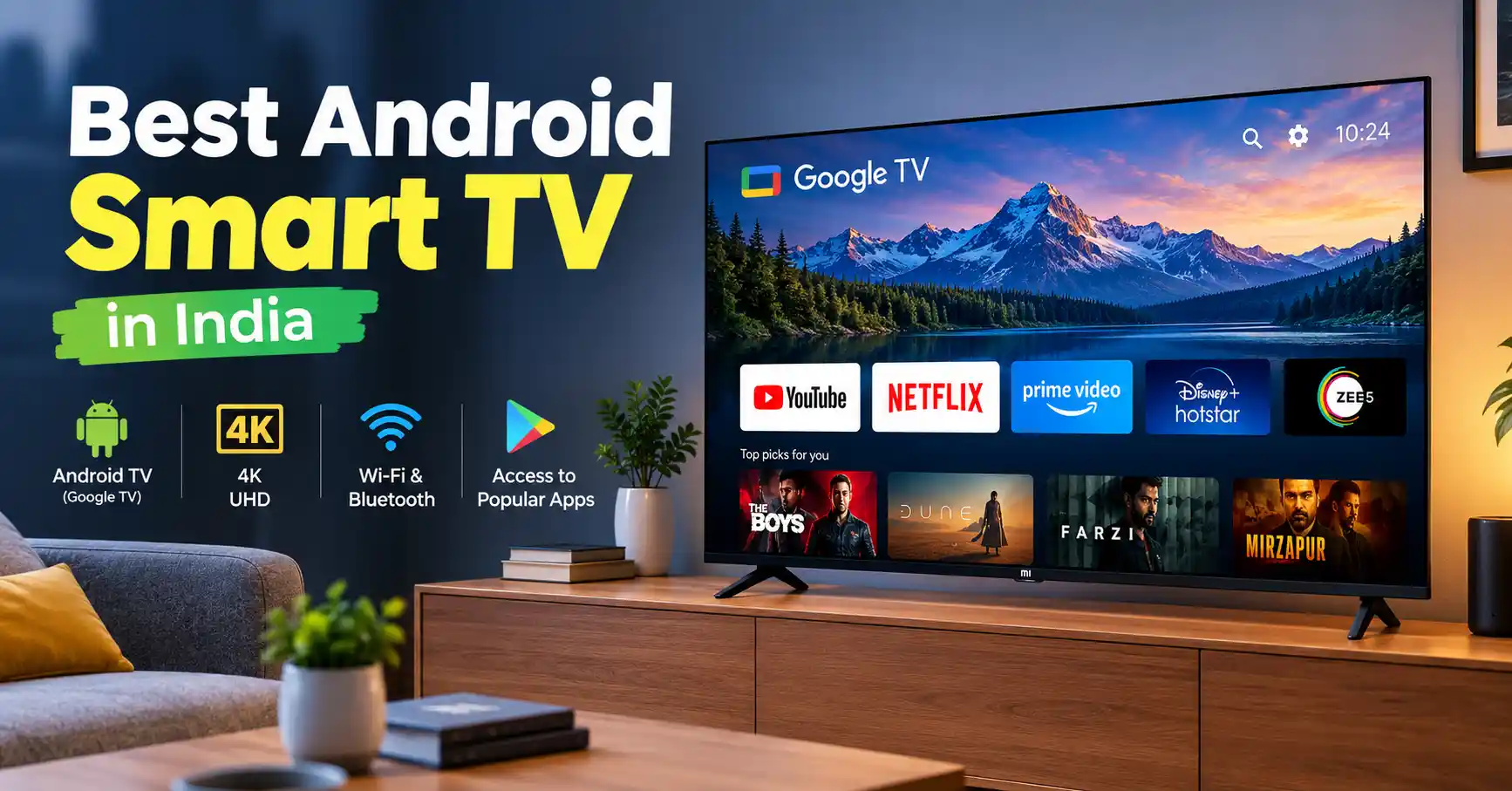
The Sony BRAVIA Series (Google TV) is the best overall Android Smart TV in India. It offers excellent picture quality, accurate colors, great upscaling for normal cable channels, and a smooth user interface that lasts for years.
If you want the best value for money with high-end features like Mini-LED, QLED, and 120Hz refresh rate on a mid-range budget, the Xiaomi TV Mini LED Series and TCL QD-Mini LED Series are the top choices in India.
Key Takeaway: Google TV Is Android TV’s Modern Interface: Most newer Android-based smart TVs use the Google TV interface for easier navigation and personalised content recommendations. . It runs on the Android TV system to give you personalized recommendations and easy app navigation.
Check RAM and Storage: Buy a TV with at least 2GB RAM and 16GB storage (3GB/32GB is better for 4K TVs) to prevent lag and app crashes over 3 to 5 years.
Pick the Right Screen for Your Room: If your living room has bright lights or big windows, pick a QLED or Mini-LED panel with high brightness (600+ nits) to reduce screen glare.
Look at Audio Output: Built-in TV speakers usually offer 20W to 30W output. Models with 30W to 50W output and Dolby Atmos support give clearer sound without needing an extra soundbar right away.
Introduction
Buying a Android smart tv in India is no longer just about picking a screen size. Today, you also need to check screen technology, smart operating systems, and hardware features.
Smart TVs running on Google’s Android platform are the most popular in India. They give you access to thousands of apps on the Google Play Store, built-in Chromecast for screen casting, and Google Assistant voice controls.
Whether you stream 4K movies on Netflix and Prime Video, watch live cricket on JioHotstar, or use a set-top box for daily TV channels, you need a TV with good picture quality, smooth performance, clear sound, and reliable after-sales service.
This guide reviews the best Android Smart TVs in India across different price points and screen sizes. It also explains the key technical details you should know before buying.
Android TV vs. Google TV: What Is the Difference?
When buying a Android smart TV, you’ll often come across two terms: Android TV and Google TV.
Android TV OS: Google’s operating system that powers smart TVs and streaming devices.
Google TV: A newer, more personalised interface built on Android TV OS that makes it easier to discover content and access your favourite apps.
You can also use this distinction in your article’s Key Takeaways section for a clearer explanation.
It brings your movies, shows, and live TV from different apps into one personalized screen.
Most new Android TVs in India come with the Google TV interface running on Android TV 11, 12, or 14. Both systems give you access to over 10,000 apps on the Google Play Store, Google Assistant voice controls, and built-in Chromecast.
Top Recommended Android & Google Smart TVs in India
1. Best Overall Premium TV: Sony BRAVIA Series (Google TV)
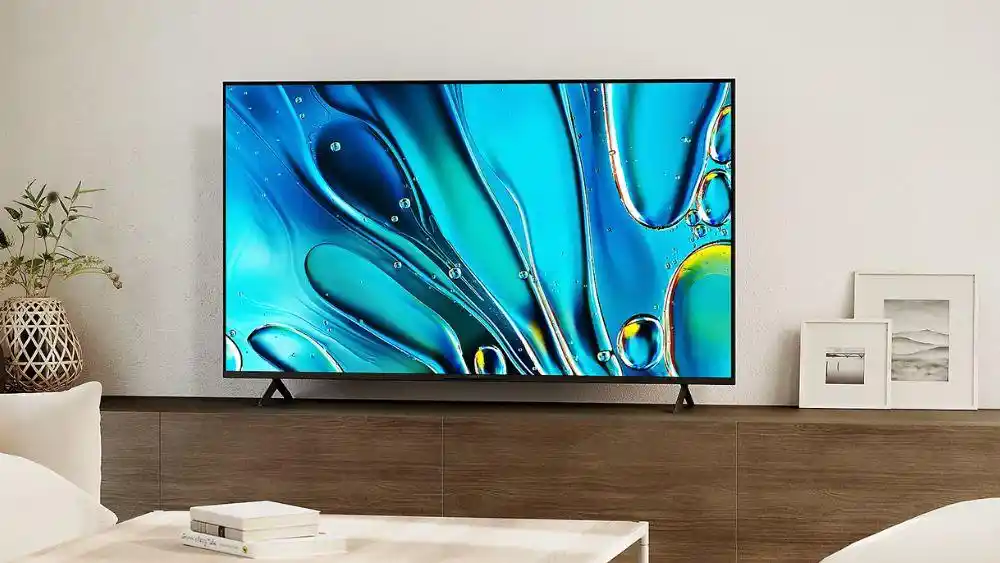
Sony is known for its excellent picture processing technology in India. Powered by Cognitive Processor XR or 4K Processor X1, Sony BRAVIA TVs offer realistic colors, sharp contrast, and smooth fast-moving scenes.
| Feature | Specification Details |
|---|---|
| Display Technology | Direct LED, Mini-LED, and OLED options |
| Resolution | 4K Ultra HD (3840 × 2160) |
| Refresh Rate | 60Hz to 120Hz, depending on the model |
| Operating System | Google TV (Android OS) |
| Audio Output | 20W to 80W, with Acoustic Multi-Audio and Dolby Atmos support |
| Key Strengths | Industry-leading upscaling and long-term durability |
Why it stands out: Sony’s 4K X-Reality PRO tech makes low-resolution cable TV channels and 1080p content look sharper. This makes it a great choice for Indian households that enjoy both traditional TV channels and streaming platforms.
Best For: Buyers looking for consistent picture quality over time, durable build quality, and reliable after-sales service throughout India.
2. Best Value Mini-LED & QLED: Xiaomi TV Mini-LED / X Pro Series
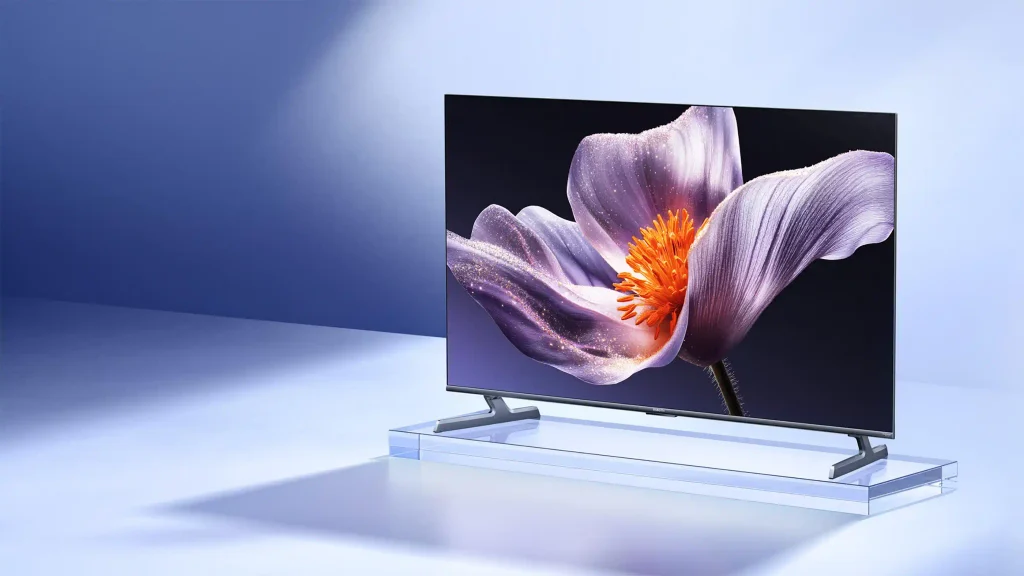
Xiaomi offers feature-packed smart TVs at competitive prices in India. Their QLED and Mini-LED models come with Quantum Dot technology, high peak brightness, and Dolby Vision support.
| Feature | Specification Details |
|---|---|
| Display Technology | QLED and QD-Mini LED options |
| Resolution | 4K Ultra HD |
| Refresh Rate | 60Hz to 144Hz, depending on the model |
| RAM / Storage | 2GB / 3GB RAM and 16GB / 32GB storage |
| Audio Output | 30W–34W with Dolby Audio and DTS:X support |
| Smart Features | Google TV with PatchWall integration |
Why it stands out: Xiaomi includes its PatchWall interface alongside Google TV. PatchWall gives you localized content hubs, IMDb ratings, and quick access to live TV channels.
Best For: First-time 4K TV buyers and budget-conscious families who want high-end screen technology at lower prices.
3. Best Mid-Range Feature Pack: TCL QD-Mini LED & QLED Series
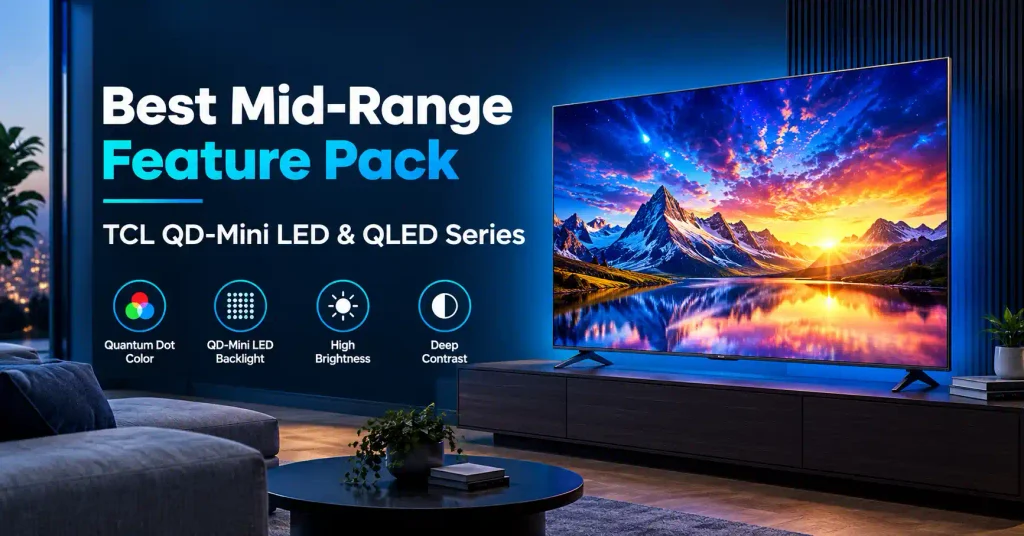
TCL is a popular brand for mid-range and large-screen TVs in India. They offer Mini-LED screens and high-refresh-rate panels at affordable price points.
| Feature | Specification Details |
|---|---|
| Display Technology | QD-Mini LED and QLED |
| Refresh Rate | 60Hz, 120Hz, or 144Hz native, depending on the model, with VRR support |
| HDR Support | Dolby Vision IQ, HDR10+, and HLG |
| Connectivity | HDMI 2.1, eARC, and Wi-Fi 5/6 |
| Audio | Onkyo sound systems and Dolby Atmos support |
Why it stands out: TCL models feature Variable Refresh Rate (VRR), Auto Low Latency Mode (ALLM), and dedicated gaming menus. This makes them a great pick for gaming console owners (PS5 / Xbox Series X).
Best For: Gamers and movie lovers who want high refresh rates and deep contrast.
4. Best Budget TVs (32-inch & 43-inch): Acer, OnePlus & Vu
For smaller rooms, bedrooms, or as a secondary TV, brands like Acer , OnePlus, and Vu offer affordable 32-inch and 43-inch smart TVs with HD Ready or Full HD resolution and Android TV or Google TV features.
Key Highlights: 20W to 30W speaker output, 1.5GB to 2GB RAM, built-in Chromecast, and voice remote control.
Best For: Compact spaces, rented flats, and secondary bedroom setups.
What to Check Before Buying an Android TV in India
1. Panel Technology: LED vs. QLED vs. Mini-LED vs. OLED
- Standard LED: Budget-friendly and suitable for basic HD viewing.
- QLED (Quantum Dot LED): Delivers brighter colors and better contrast. Great for well-lit Indian living rooms.
- Mini-LED: Uses thousands of tiny LEDs for precise backlight control. It offers deep blacks and high brightness close to OLED levels.
- OLED: Every pixel produces its own light. This gives perfect black levels and infinite contrast, making it ideal for watching movies in dark rooms.
2. Hardware Specifications (RAM & Storage)
For smooth performance, an Android TV needs sufficient RAM and internal storage to run apps efficiently and navigate menus without unnecessary lag.
Low RAM can make the TV slow, lag, or crash apps over time.
- 1GB RAM: Okay only for basic 32-inch HD Ready budget TVs.
- 2GB RAM: The minimum requirement for smooth 4K navigation and app usage.
- 3GB – 4GB RAM: Best for fast multitasking, gaming, and future software updates.
3. Screen Size & Viewing Distance Guide
Pick the right screen size based on how far you sit from the TV:
Screen Size
| TV Size | Recommended Viewing Distance | Ideal Room Type |
|---|---|---|
| 32 inches | 4–6 feet | Small Bedroom / Kitchen / Study |
| 43 inches | 5–7 feet | Medium Bedroom / Small Living Room |
| 55 inches | 7–9 feet | Standard Indian Living Room |
| 65 inches and above | 9–12+ feet | Large Living Room / Home Theater |
4. Audio Quality & Sound Output
Slim TV designs have limited space for larger built-in speakers, which can affect overall sound quality. Look for models with 30W or higher sound output that support Dolby Atmos or DTS:X for clearer dialogues. If you plan to add a home theater system later, make sure the TV has an HDMI eARC port for uncompressed audio output to a soundbar.
Practical Tips and Fixes for Android TV Users
Clear Cache to Fix TV Lag: If your TV starts running slow, go to Settings > Apps > See all apps, select heavy apps (like YouTube or Prime Video), and click Clear Cache.
Manage Storage Space: Most Android TVs offer 16GB total storage (about 10GB–12GB usable space). Avoid downloading too many heavy games unless you expand the storage using an external USB drive.
Installing Third-Party Apps (Sideloading): If you need to install an app using an APK file, enable permissions under Settings > Privacy > Security & Restrictions.
Use Voltage Protection: Voltage fluctuations can occur in many parts of India. Use a good-quality surge protector or a compatible digital voltage stabilizer to help protect your TV’s internal components from electrical surges and sudden voltage changes.
Read This Also : Best Water Geysers Online in India: Top Recommended Models (2026)
Frequently Asked Questions (FAQs)
Q1: Which Android Smart TV is best in India for long-term use?
A: Sony BRAVIA Google TVs are known as the most durable smart TVs in India. Their strong picture processors, solid build quality, and stable software ensure smooth performance for 5+ years without slowing down.
Q2: Is Google TV better than Android TV?
A:Google TV is an updated interface built on the Android TV operating system, not a separate operating system. It is the modern home screen layout running on top of Android TV OS. Google TV offers better recommendations, easier content search across apps, and a cleaner look than the older Android TV setup.
Q3: Can I watch normal cable TV or DTH channels on an Android Smart TV?
A: Yes. All Android Smart TVs come with standard cable ports and HDMI ports to connect set-top boxes (such as Tata Play, Airtel Digital TV, or Dish TV). You can easily switch between set-top box channels and OTT streaming apps using your TV remote.
Q4: How much RAM do I need for a smooth 4K Android TV experience?
A: For a smoother experience with 4K streaming and switching between apps, look for a smart TV with at least 2GB of RAM. For light gaming and faster performance, models with 3GB or 4GB RAM work best.
Q5: What is the difference between LED and QLED Android TVs?
A: Standard LED TVs use white LED backlighting to illuminate the LCD panel. QLED TVs include an additional Quantum Dot layer that delivers richer colours and higher brightness, making them a good choice for well-lit rooms.
Q6: Do Android Smart TVs come with wall mount brackets in the box?
A: Box contents vary by brand. Most brands include table stands in the box, while wall-mount kits are provided free or for a small charge during official installation. Check product details before buying.
Q7: Can I connect Bluetooth headphones or external speakers to an Android TV?
A: Yes. Most modern Android smart TVs come with built-in Bluetooth, allowing you to connect wireless headphones, soundbars, and gaming controllers. Check the TV’s specifications to confirm the supported Bluetooth version.
Q8: How do I mirror my smartphone screen to an Android TV?
A: Android TVs come with Chrome cast built-in. Android phone users can tap the “Cast” or “Screen Cast” icon from their quick settings menu. iPhone users can stream using supported third-party apps or native AirPlay 2 on supported TV models.
1 thought on “Best Android Smart TV in India:(2026)”