
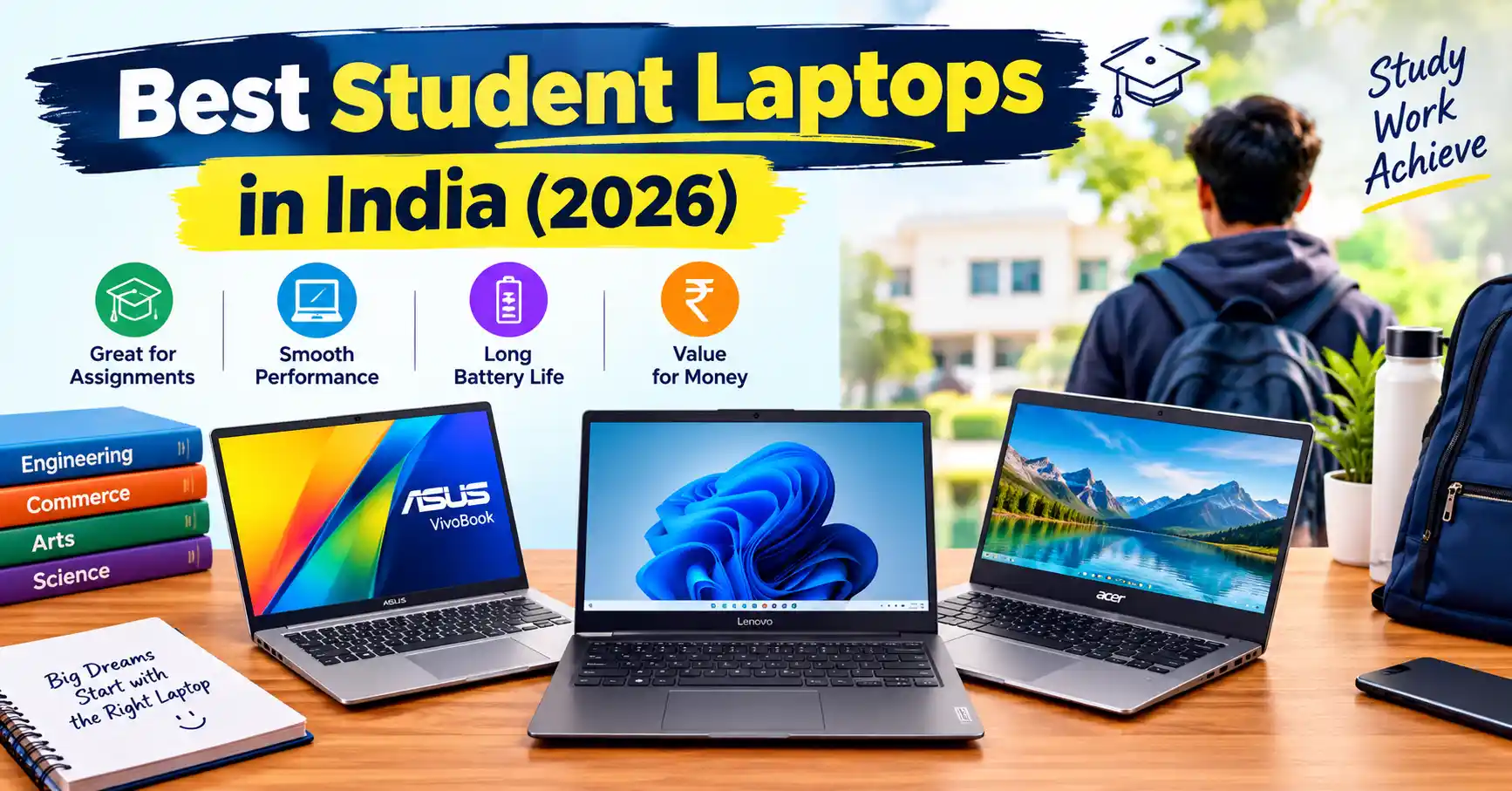
Discover the Best Student Laptops in India (2026) with our expert guide to budget-friendly, premium, and performance-focused laptops for college students. Compare top models for coding, engineering, online classes, assignments, gaming, and everyday use based on price, processor, RAM, storage, battery life, and portability to find the perfect student laptop for your course and budget
With Student Laptops so many options in India, it is easy to get confused. You might spend too much money on features you do not need. You could also end up with a laptop that starts lagging after just two years of use.
Here is a simple guide to the best student laptops for in India based on your course, budget, and daily needs.
Top Picks at a Glance
If you are in a hurry, here is a quick summary of the best student laptops currently popular in the Indian market:
| Category | Recommended Laptop | Approximate Price (INR) | Best For |
|---|---|---|---|
| Best Overall (CS) | Acer Swift Go 14 or Lenovo IdeaPad Slim 5 | ₹60,000–₹75,000 | Portability, coding, and battery life |
| Best Budget | ASUS Vivobook 15 (12th/13th Gen) | ₹40,000–₹48,990 | General studies and basic coding |
| Best for AI/Gaming | Lenovo LOQ 15 or ASUS TUF Gaming A15 | ₹58,000–₹69,990 | Machine learning, 3D design, and gaming |
| Best Premium | Apple MacBook Air M2 / M3 | ₹80,000+ (with student discount) | Excellent battery life and iOS app development |
Note: Prices may vary during Amazon and Flipkart sales. Check current bank-card discounts and promotional offers before purchasing.
What Makes a student Laptop “Good” for College? (The Minimum Specs)
Before you look at Student Laptops in India specific models, you should know what computer parts actually matter. Here is what you need:
1. RAM: 16GB is the New Standard
Try to avoid buying an 8GB RAM laptop in 2026. You will likely open many Chrome tabs, listen to Spotify, and use Word or coding software all at the same time. With 8GB, your laptop will quickly slow down. For Computer Science (CS) students, 16GB is a strict need. You need it to run heavy tools like Virtual Machines (VMs), Docker, and Android Studio smoothly.
2. Storage: 512GB SSD Minimum
Avoid laptops that use a traditional hard disk drive (HDD).Get a Solid State Drive (SSD) so your laptop starts up quickly. A 512GB SSD is perfect for most students. If you want to install large games or heavy software, look for 1TB. You can also check if the laptop allows you to add more storage later.
3. Processor (CPU)
General Students: An Intel Core i3 (12th or 13th Gen) or AMD Ryzen 3 is enough.
CS and Engineering Students: An Intel Core i5 (12th, 13th, or Ultra Gen) or AMD Ryzen 5 is ideal. If you have a bigger budget, an Intel Core i7 or Ryzen 7 will last you longer.
4. Battery and Weight
A heavy 2.5 kg gaming laptop might look cool. But carrying it across a large college campus every day will hurt your back. Look for laptops that weigh under 1.7 kg, unless you really need high graphics power.
Best Laptops for Computer Science (CS) Students
CS students have special needs. In your first year, you will write basic C++ or Python code. Any basic laptop can handle this. But by your third year, you might study Machine Learning, Web Development, or Mobile App Development. These tasks require more power.
1. Acer Swift Go 14 or Lenovo IdeaPad Slim 5
These laptops are great for almost everything. The Acer Swift Go 14 costs about ₹94,990 for the top model, but basic models are cheaper. Both laptops have fast processors, bright screens, and light bodies. They don’t come with dedicated graphics cards designed for gaming . However, their built-in graphics (Intel Iris Xe or Intel Arc) can easily handle 90% of your coding work.
Why they’re ideal for CS students: They feature comfortable keyboards for extended coding sessions and offer solid battery life for classes and daily tasks.
2. Lenovo LOQ 15 or ASUS TUF Gaming A15
If you want to study Artificial Intelligence (AI), Machine Learning, or Game Development, you need a dedicated GPU (Graphics Processing Unit). The Lenovo LOQ series (about ₹58,499) and ASUS TUF A15 (about ₹66,990) come with NVIDIA RTX 3050 or 4050 GPUs at good prices.
The Catch: They are heavy (over 2 kg). Also, their battery usually dies after 3 to 4 hours.
Best Affordable Laptops for Students Under ₹50,000 in India
Are you studying B.A., B.Com, or BBA ? If you mainly use your laptop for presentations, assignments, and browsing the internet, there’s no need to spend a fortune. The ASUS Vivobook 15 and Lenovo IdeaPad Slim 3 are worth considering.
The ASUS Vivobook 15 (Intel Core i5 13th Gen, 16GB RAM) usually costs around ₹48,990. It offers some of the best value for money in India right now. Another good option is the Lenovo IdeaPad Slim 3 (around ₹57,875 for i5 models, and cheaper for i3). It has a strong build and a clean design.
Pro-tip: Try to find models that come with Microsoft Office already installed. This saves you from paying a yearly subscription fee.
The Premium Choice: Apple MacBook Air M2 / M3
If your budget is over ₹80,000, the MacBook Air is a fantastic laptop for college.
Why the MacBook is great for students:
Battery Life: It can easily last 12 to 15 hours. You can get through your day without carrying your charger everywhere.
Unix-based OS: MacOS is very popular among software developers. It makes installing coding tools much easier compared to Windows.
Resale Value: When you graduate in four years, you can still sell your MacBook for a great price on OLX or Cashify.
What about the 8GB RAM issue?
Apple’s 8GB memory works very efficiently. However, if you are doing heavy CS work, you should still upgrade to the 16GB model. Make sure to use Apple’s UNiDAYS student discount to save money on the main price.
3 Common Mistakes Indian Students Make When Buying a student Laptop in india
Buying a Student Laptops in India for college is a significant investment, so choosing the right model matters. Many Indian students focus only on the price or processor name and overlook features that affect everyday performance. Avoid these common mistakes before purchasing your next laptop.
1. Choosing 8GB RAM to Save Money
An 8GB RAM laptop may be suitable for basic browsing and document editing, but it can struggle with heavy multitasking, programming tools, and virtual machines. If your budget allows, choose a laptop with 16GB RAM for smoother performance throughout your college years.
2. Ignoring Battery Life and Laptop Weight
A powerful laptop is not always the best choice for students who carry it between classes. Gaming laptops can weigh over 2 kg and may require frequent charging. For everyday college use, consider a lightweight laptop under 1.7 kg with reliable battery life.
3. Buying a Laptop Based Only on the Processor Name
An Intel Core i7 is not automatically better than every Core i5, and the same applies to AMD Ryzen processors. Performance depends on the processor generation, power limits, cooling system, and overall laptop design. Compare the exact processor model before making your decision.
4. Choosing Too Little Storage
A 256GB SSD can fill up quickly when you install development tools, store lecture recordings, download project files, and keep personal documents. A 512GB SSD is a practical starting point for most students, while 1TB is useful for larger projects and media files.
5. Buying a Gaming Laptop Without Needing a Dedicated GPU
Dedicated graphics are useful for gaming, 3D design, video editing, and certain machine-learning tasks. However, students who mainly work on assignments, attend online classes, and write basic code may not need an expensive gaming laptop. A lightweight laptop with integrated graphics can offer better portability and battery life.
6. Overlooking Warranty and After-Sales Service
A low price is not always the best deal if repairs are difficult or expensive. Check the manufacturer’s warranty, service-centre availability in your city, and the cost of extended coverage. Also, review the return and replacement policy when buying online.
7. Ignoring Student Discounts and Hidden Costs
Before paying the listed price, compare offers on Amazon, Flipkart, official brand websites, and authorised retailers. Check student discounts, bank offers, and bundled software carefully. Remember to budget for accessories such as a laptop bag, mouse, or external storage if needed.
Final Tip: Choose a student laptop in india based on your course, daily workload, and budget rather than buying the most expensive model. For most college students in India, a laptop with 16GB RAM, a 512GB SSD, a modern processor, and good battery life is a sensible starting point.
FAQ
Is 8GB RAM enough for a computer science student?
8GB is fine for first-year coding basics like C or C++. But your laptop will slow down heavily in your second year when you use larger software like Android Studio or Virtual Machines. Buy 16GB RAM to make sure your laptop lasts your whole degree.
Which laptop brand is best for students in India?
ASUS, Lenovo, and HP offer a great mix of price and performance for students. Lenovo and HP have excellent service networks across India. ASUS gives you great features for a lower price.
Do I need a graphics card (GPU) for coding?
You do not need a dedicated GPU for normal web development or basic coding. The built-in graphics (like Intel Iris Xe) are fine. You only need a dedicated GPU (like an NVIDIA RTX card) for Machine Learning, game design, or heavy 3D work.
Should I buy a MacBook or a Windows laptop for B.Tech?
Both are excellent choices. Windows is the safer choice because some older engineering software only works on Windows. However, for pure software coding, many developers prefer MacOS.
Can I buy a laptop on EMI as a student?
Yes. Amazon, Flipkart, and Bajaj Finserv offer No-Cost EMIs. But unless you earn your own money, you will need to process the EMI on your parents’ credit or debit cards.
When is the best time to buy a laptop in India?
The best times are the “Back to College” sales from June to August. You can also save money during festive sales, such as Amazon’s Great Indian Festival and Flipkart’s Big Billion Days, which usually take place around September or October.
Is an i3 processor enough for college?
Yes, an Intel Core i3 (12th Gen or newer) is a good fit for B.A., B.Com, and non-IT B.Sc. students who mainly use their laptops for writing assignments, research, and browsing the internet . For CS or IT students, an i5 is the minimum recommendation.
Does laptop battery life matter in Indian colleges?
Yes, it matters a lot. Many older college classrooms in India have limited access to power outlets. A laptop with over 6 hours of battery backup means you will not have to fight for a charging socket during class.
READ ALSO:Best 20000mAh Power Banks in India with Fast Charging:
1 thought on “Best Student Laptops in India (2026):”