
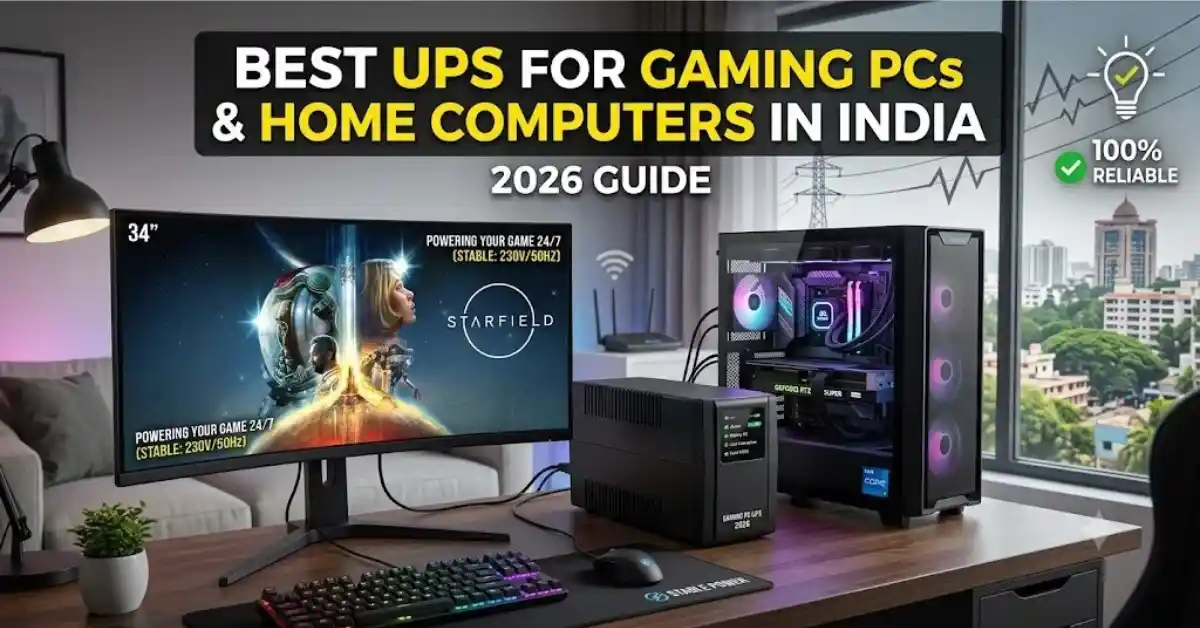
For a basic home computer or a mid-range gaming PC with a GTX 1650, RTX 3060, or RTX 4060, a 1000VA to 1200VA line-interactive UPS is a good starting point. Look for a model with at least 600W of output capacity, such as the CyberPower UT1200E (around ₹5,250) or APC Back-UPS BX1100C-IN (around ₹8,600). Both offer Automatic Voltage Regulation (AVR) to help manage minor voltage fluctuations.
For high-end gaming PCs and creative workstations with graphics cards such as the RTX 4070, RTX 4080, or RX 7900 XT, consider a higher-capacity UPS rated between 1500VA and 2200VA. Check its actual wattage capacity and output waveform before buying, especially if your PC uses a high-wattage power supply with Active Power Factor Correction (Active PFC). Options include the Artis 2000VA (around ₹9,999) and APC Easy UPS BVX2200LI-IN (around ₹17,999).
Recommended UPS Capacity at a Glance
| Computer Setup | Estimated Power Consumption | Recommended UPS Capacity | Approx. Price |
|---|---|---|---|
| Basic home or office computer | 150W–250W | 600VA / 360W | ₹2,500–₹4,300 |
| Entry-level or mid-range gaming PC | 300W–500W | 1000VA–1200VA | ₹5,000–₹8,600 |
| High-end gaming PC or workstation | 550W–850W | 1500VA–2200VA, depending on wattage | ₹9,999–₹18,00 |
Key Takeaways
- Check watts, not just VA: A 1000VA UPS with a power factor of 0.6 can supply up to 600W. Always check both ratings before buying.
- Avoid undersized UPS models: A basic 600VA/360W UPS may be suitable for an office computer, but it can overload when a powerful gaming PC draws more electricity during demanding workloads.
- Choose a compatible output waveform: Some Active PFC power supplies may not work reliably with certain simulated or stepped sine wave UPS models. Check compatibility with your PC’s power supply.
- Understand the backup time: Most desktop UPS units are designed to provide a few minutes of backup, often around 5–15 minutes depending on the load and battery condition. This is usually enough to save your work and shut down safely.
Introduction
- Power fluctuations and unexpected outages are common concerns for computer users in many parts of India. Sudden voltage drops, electrical surges during the monsoon, and changes in the power supply can affect sensitive electronic equipment.
- Unlike laptops, desktop computers depend on a continuous supply of electricity from a wall socket, UPS, or inverter. If the power goes out while you are gaming, editing videos, compiling software, or working on important files, your computer may shut down unexpectedly. This can interrupt your work and, in some cases, lead to data loss or file corruption.
- A suitable Uninterruptible Power Supply (UPS) provides temporary battery power during an outage and helps manage certain voltage fluctuations. It gives you time to save your work and shut down your computer safely.
- In this guide, we explain how to calculate your PC’s power requirements, compare different UPS technologies, choose the right capacity, and find suitable UPS models for home computers and gaming PCs in India.
Understanding India’s Power Supply Conditions: Why a Home Inverter May Not Be Enough
Many PC builders in India have a common question: “I already own a 1000VA pure sine wave home inverter with a tubular battery. Do I still need a separate UPS for my computer?”
The short answer is yes, in most cases:
| Feature | Standard Home Inverter | Line-Interactive Desktop UPS |
| Switchover / Transfer Time | Slow (10 ms to 30 ms) | Fast (2 ms to 6 ms) |
| Voltage Regulation (AVR) | Basic / None | Built-in (Buck / Boost) |
| Primary Purpose | Long-duration power supply | Instant hardware protection |
| Desktop PC Compatibility | Often causes system reboots | Keeps PC running seamlessly |
Most home inverters, including models with “UPS Mode” or “IT Mode,” typically have a power transfer time of around 10–20 milliseconds when switching from mains electricity to battery power. Modern high-efficiency PC power supplies can only hold power for about 12 ms to 16 ms. If your inverter takes longer than that to switch over, your gaming PC will reboot the second the grid power drops.
A dedicated desktop UPS acts as a fast buffer. Its 2 ms to 6 ms switchover time keeps your PC powered without dropping a single frame, giving you time to save your work or let your home inverter take over.
UPS Sizing Guide: Understanding Watts, VA, and Power Factor
To choose the right UPS for your PC, you need to understand two key electrical ratings: Watts (W), which measure actual power consumption, and Volt-Amperes (VA), which represent apparent power.
- Real Power (Watts): The actual power your PC, monitor, and connected devices use.
- Apparent Power (VA): The total voltage multiplied by the current supplied to the circuit.
- Power Factor (PF): Power factor is the ratio of real power (Watts) to apparent power (VA).
Step 1: Calculate Your PC’s Actual Power Consumption
Do not use your power supply’s maximum rated capacity (for example, 850W) as your system’s actual power consumption. Instead, estimate how much power your PC draws under heavy workloads, including gaming or content creation, and use that figure to determine the appropriate UPS capacity.
- PC Tower (CPU and GPU while gaming): About 250W for entry-level up to 550W for high-end.
- Monitor: About 25W to 50W for a standard 24 to 27-inch IPS display (ultrawide or HDR monitors can pull 60W to 90W).
- Wi-Fi Router / Modem: About 10W to 15W.
Example: If your mid-range PC consumes 400W, your monitor uses 40W, and your router draws 10W, the combined power consumption is 450W.
Step 2: Account for Power Factor and a Safety Margin
Divide the total power load by the UPS power factor to estimate the required VA rating. Then add a 25% safety margin to handle power spikes and future upgrades.
| Calculation | Formula | Result |
|---|---|---|
| Total connected load | PC + monitor + router | 450W |
| Target watt capacity | 450W × 1.25 | 562.5W |
| Assumed UPS power factor | Standard example | 0.60 |
| Target VA rating | 562.5W ÷ 0.60 | 937.5VA |
| Minimum recommended UPS | Next suitable capacity | 1000VA / 600W |
Recommended UPS Sizing Matrix
| PC Configuration / GPU Tier | Typical Gaming Load (Wall Draw) | Minimum Recommended UPS | Ideal UPS Capacity |
|---|---|---|---|
| Integrated GPU / Core i3 / Ryzen 3 | 120W–200W | 600VA / 360W | 650VA / 390W |
| GTX 1650 / RTX 3050 / RX 6600 | 220W–320W | 1000VA / 600W | 1000VA / 600W |
| RTX 4060 / RTX 4070 / RX 7700 XT | 350W–480W | 1100VA / 660W | 1200VA / 720W |
| RTX 4080 / RTX 4090 / RX 7900 XTX | 550W–750W | 1500VA / 900W | 2000VA–2200VA |
Note: These are general sizing estimates. Check the UPS’s actual wattage limit, peak load requirements, and manufacturer runtime chart before purchasing.
Core UPS Technologies Explained
1. Line-Interactive vs. Online Double-Conversion
| Feature | Line-Interactive UPS | Online Double-Conversion UPS |
|---|---|---|
| How it works | Uses Automatic Voltage Regulation (AVR) to correct minor voltage fluctuations without switching to battery power | Continuously converts incoming AC to DC and back to AC |
| Transfer time | Typically 2–6 milliseconds | Virtually zero transfer time |
| Power quality | Good protection against common voltage fluctuations | Provides highly stable, conditioned power |
| Cost | More affordable | More expensive |
| Heat and noise | Usually lower | Often higher due to continuous operation and cooling fans |
| Best suited for | Home desktops, gaming PCs, and home offices | Servers, critical equipment, and locations with highly unstable power |
2. Pure Sine Wave vs. Modified Sine Wave
| Feature | Modified Sine Wave UPS | Pure Sine Wave UPS |
|---|---|---|
| Output waveform | Uses stepped waveforms to approximate a sine wave | Produces a smooth AC waveform similar to utility power |
| Compatibility | Suitable for many basic computers, depending on the power supply | Generally better suited to modern PCs with Active PFC power supplies |
| Potential issues | Some power supplies may buzz, overheat, or shut down on battery power | Typically offers better compatibility and quieter operation |
| Best suited for | Budget desktops and basic office setups | Gaming PCs, high-end workstations, and systems with sensitive power supplies |
Recommendation: A pure sine wave UPS is generally preferable for high-end PCs with Active PFC power supplies, including many 80 Plus Gold, Platinum, and Titanium-rated models. However, the 80 Plus rating itself does not guarantee Active PFC compatibility; check the PSU and UPS specifications.
Top Recommended UPS Models for India (2026)
1. CyberPower UT1200E (1200VA / 720W) — Best Value for Mid-Range Rigs
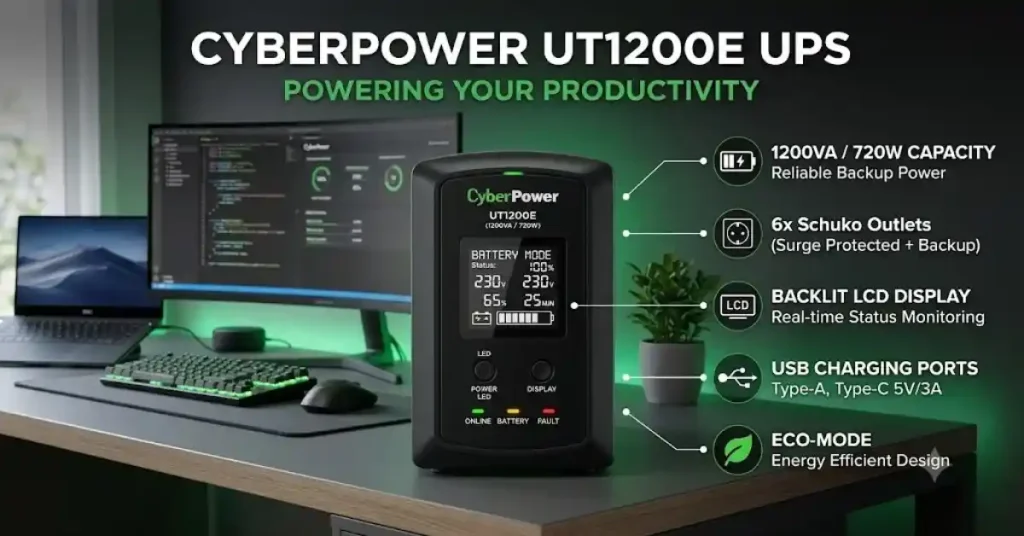
- Capacity: 1200VA / 720W
- Topology: Line-Interactive with Automatic Voltage Regulator (AVR)
- Target Load: Mid-range gaming builds (RTX 4060 Ti / RX 7700 XT) with single or dual monitors
- Price Range: Around ₹5,200 – ₹5,600
| PROS | CONS |
| Great price-to-wattage ratio (720W capacity) | Plastic body feels basic |
| Built-in adjustable alarms | Stepped sine wave output (not pure sine) |
| Compact tower design with surge sockets |
2. APC Back-UPS BX1100C-IN (1100VA / 660W) — Best Overall Reliability
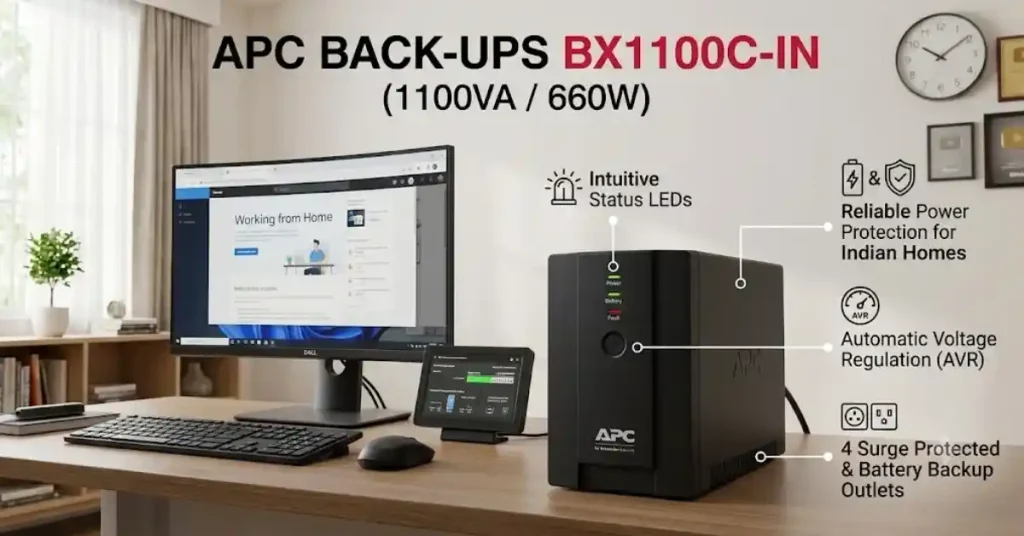
- Capacity: 1100VA / 660W
- Topology: Line-Interactive with Wide Input Voltage AVR (140V – 300V)
- Target Load: Mid-range gaming PCs and home productivity setups
- Price Range: Around ₹8,400 – ₹8,900
| PROS | CONS |
| Huge service network all over India | Higher price than competitors |
| Great build quality and surge protection | Fan can get loud when running on battery |
| Excellent battery life and reliability |
3. Artis 2000VA / PS-2000Eco — Best Budget Pick for Heavy High-End Builds
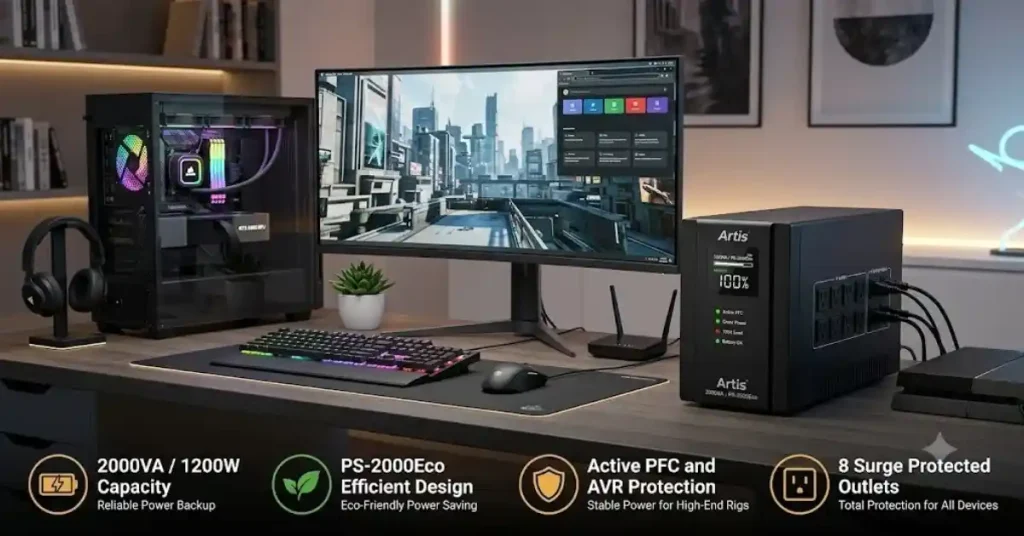
- Capacity: 2000VA / 1200W
- Topology: Line-Interactive
- Target Load: High-draw gaming rigs (RTX 4080 / RX 7900 XTX) or dual-monitor setups
- Price Range: Around ₹9,800 – ₹10,500
| PROS | CONS |
| High wattage limit stops trip shutdowns | Takes up more floor space |
| Affordable price for a 2000VA unit | Service availability varies outside big cities |
| 4 Indian standard output sockets |
4. Microtek Legend 1000 (1000VA / 600W) — Best for Areas with Severe Voltage Drops
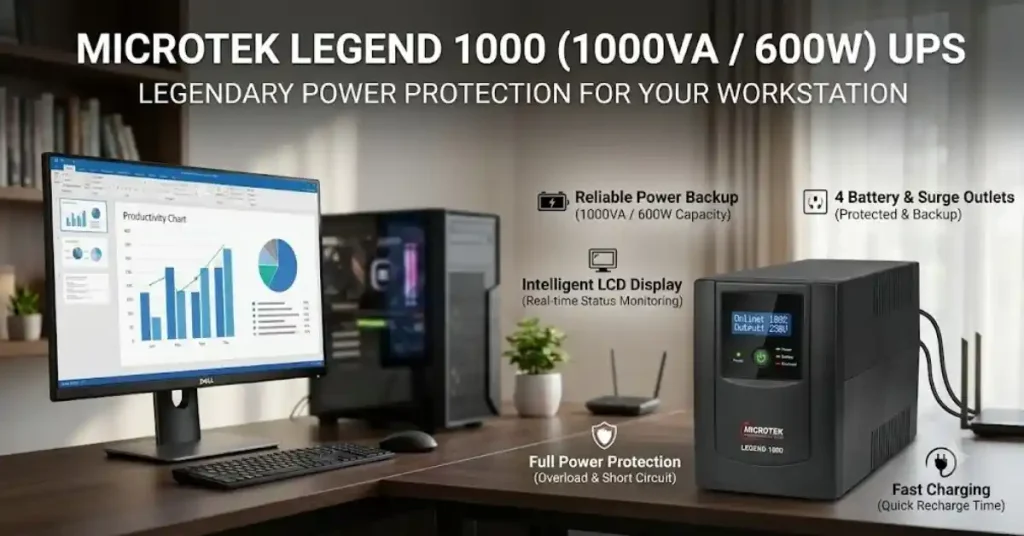
- Capacity: 1000VA / 600W
- Topology: Line-Interactive with Ultra-Wide Input AVR
- Target Load: Everyday home desktops, budget gaming PCs, and home office setups
- Price Range: Around ₹5,500 – ₹6,000
| PROS | CONS |
| Great low-voltage handling without draining battery | Less power headroom for future upgrades |
| Easy battery replacement in local Indian markets | Basic LED indicator lights |
5. APC Easy UPS BVX2200LI-IN (2200VA / 1200W) — Best Premium Choice
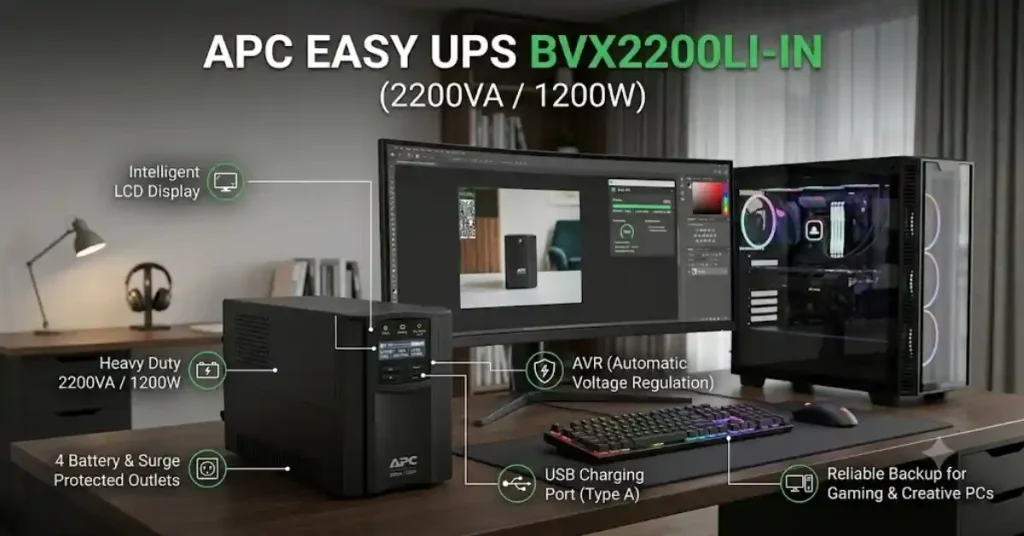
- Capacity: 2200VA / 1200W
- Topology: Line-Interactive
- Target Load: High-end enthusiast PC rigs, multi-monitor setups, and creative workstations
- Price Range: Around ₹17,500 – ₹18,500
| PROS | CONS |
| Huge power capacity for heavy loads | Premium price tag |
| Smart battery management helps batteries last longer | Heavy unit (about 13 kg) |
| Wide voltage stabilization window |
Step-by-Step Installation & Setup Best Practices
- Initial Charging: Before plugging in your computer, plug your new UPS into a wall socket and let it charge fully for 8 to 12 hours.This helps the sealed lead-acid battery reach its full charge capacity.
- Separate Battery Backup and Surge-Only Sockets: Check the UPS back panel before connecting your devices. Plug your PC tower, primary monitor, and Wi-Fi router into the Battery Backup + Surge Protection sockets. Connect non-essential devices, such as speakers, document scanners, and desk lamps, to regular wall outlets or surge-protected-only sockets to save battery power during an outage.
- Do Not Plug Printers into the UPS: Never connect laser printers or high-power appliances (like room heaters) to your UPS. The heating element in a laser printer creates a huge power spike (up to 1200W) that will instantly trip the UPS protection circuit.
- Connect USB Management Cable (If Available): Higher-end models have a USB management port. Connect the cable to your PC and install the compatible UPS management software, such as APC PowerChute or CyberPower PowerPanel. Set it up to hibernate or shut down your Windows system automatically when the battery drops to 15% during a long power cut.
Maintenance & Battery Life Expectations in India
- Average Battery Life: A typical sealed lead-acid (SLA) battery in a desktop UPS lasts around 2–4 years, depending on usage and temperature.
- Keep the UPS Cool: Place it in a well-ventilated area away from direct sunlight and heat sources to help extend battery life.
- Avoid Overloading: Keep the total power consumption of your PC, monitor, and other connected devices within the UPS’s rated capacity.
- Test Battery Health: Use the UPS’s self-test feature or monitoring software, if available, to check battery performance.
- Replace the Battery When Needed: Many desktop UPS models allow you to replace the battery without buying a new UPS.
- Choose the Correct Replacement: Check the manufacturer’s manual for the required battery voltage, capacity, dimensions, and type before purchasing a replacement.
- Check Local Service Availability: Choose a UPS brand with accessible service centres and replacement batteries in your area.
- Follow Manufacturer Guidelines: Follow the recommended charging, maintenance, and replacement procedures to keep your UPS working reliably.
READ ALSO:-Best Tablets Under ₹50,000 in India (2026): Top Picks and Buying Guide
10. Frequently Asked Questions
Q1: Is a 600VA UPS enough for a gaming PC in India?
A: Generally, no.- A 600VA UPS usually provides around 360W of usable power, which is sufficient for basic office computers but may not handle a modern gaming PC running demanding CPU and GPU workloads. If the power draw exceeds the UPS’s capacity, it may overload and shut down during a power cut. For many gaming PCs, a 1000VA UPS rated at 600W or higher is a better starting point. Always check your system’s actual power consumption before choosing a UPS.
Q2: What happens if my UPS has a lower wattage rating than my PC’s power consumption?
A: If your PC draws more power than the UPS can supply, the UPS may trigger its overload protection and shut down, cutting power to your computer unexpectedly. To avoid this, choose a UPS with a wattage rating that comfortably exceeds your PC’s maximum power demand.
Q3: Why does my gaming PC restart even when connected to a home inverter?
A: Many standard home inverters take around 10–30 milliseconds to switch to battery power, while some PC power supplies can maintain output for only about 12–16 milliseconds during an outage. If the inverter’s switchover takes longer than the power supply’s hold-up time, your PC may lose power briefly and restart. A dedicated desktop UPS with a typical transfer time of around 2–6 milliseconds can help prevent this issue, provided the UPS is compatible with your system.
Q4: Can I use a simulated sine wave UPS with a gaming PC?
A: Yes, some entry-level and mid-range gaming PCs work well with simulated sine wave UPS units. However, certain modern power supplies with Active Power Factor Correction (Active PFC) may produce buzzing noises, run less efficiently, or shut down when operating on a simulated waveform. A pure sine wave UPS is generally the better choice for modern gaming systems, particularly those with high-efficiency power supplies.
Q5: How long can a 1000VA UPS power my desktop PC during a power cut?
A: A desktop UPS is primarily designed to provide enough backup time for you to save your work and shut down safely. At a gaming load of around 350–400W, a 1000VA UPS may provide approximately 5–12 minutes of runtime. However, the actual backup time depends on the battery capacity, battery condition, UPS wattage limit, and connected load. Check the manufacturer’s runtime chart for a more accurate estimate.
Q6: How many years does a UPS battery last in India?
A: A sealed lead-acid (SLA) battery in a standard desktop UPS typically lasts around 2–4 years. High room temperatures, frequent power cuts, and repeated deep discharges can shorten its lifespan. The UPS itself may last 7–10 years or longer with proper care. In most models, you can replace the battery instead of buying an entirely new UPS.
Q7: Does a UPS protect my computer from lightning and power surges?
A: Many line-interactive UPS units include built-in surge protection circuits, often using Metal Oxide Varistors (MOVs), to help protect connected devices from voltage spikes. However, this protection has limits and cannot guarantee safety against a direct lightning strike or every severe electrical surge. For better protection, use a properly grounded electrical connection and consider additional surge protection where appropriate.