
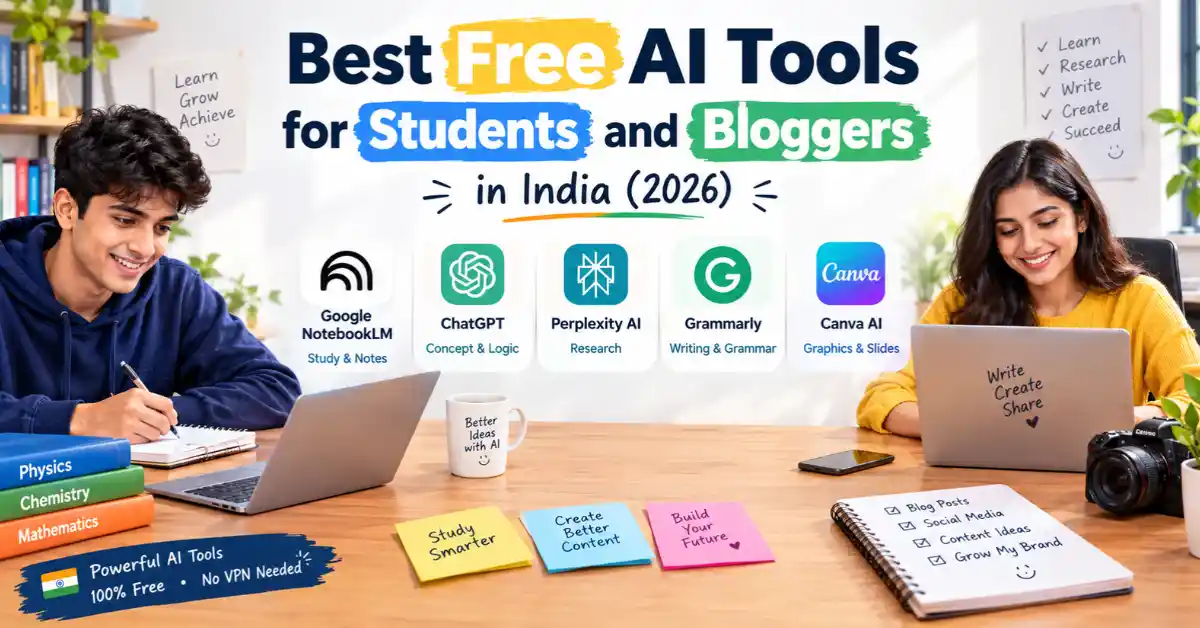
The best free AI tool set for Indian students includes ChatGPT for explaining difficult topics, Google NotebookLM for turning For students, AI tools can turn PDF notes into quick revision guides, Perplexity AI can help with research using cited sources, and Canva for Education makes it easier to create presentation slides.
For bloggers in India, a useful free AI toolkit includes Google Gemini for web research, Claude for drafting blog posts, Grammarly for checking spelling and grammar, and ChatGPT for generating SEO-friendly titles, outlines, and content ideas. You can use all these platforms in India for free without a VPN.
| Category | Tool Name | Best Free Feature | Free Tier Allowance |
|---|---|---|---|
| Study & Notes | Google NotebookLM | PDF Q&A and Audio Summaries | Free to use |
| Concept & Logic | ChatGPT (OpenAI) | Simple explanations and tutoring | Generous daily free access |
| Cited Research | Perplexity AI | Real-time web search with source links | Unlimited basic searches |
| Writing & Grammar | Grammarly / Claude | Grammar checks, tone suggestions and long-form drafting | Free plan available |
| Graphics & Slides | Canva AI | Presentations and feature graphics | Free plan available (additional education benefits for eligible students) |
Key Takeaways
- Build an AI Workflow at Zero Cost: You do not necessarily need paid monthly subscriptions to create a useful AI toolkit in India. Combining three or four free plans can cover most everyday tasks for students and bloggers.
- Use NotebookLM for Exam Preparation: Google’s NotebookLM can help turn uploaded notes, textbooks, and PDFs into summaries and revision guides. Its answers are grounded in your supplied sources, with citations that help you check the original material. However, it can still make mistakes, so verify important facts.
- Choose Perplexity AI for Research: Unlike tools that mainly generate answers from their existing knowledge, Perplexity searches the web and provides links to sources. This makes it useful for checking facts, researching blog topics, and finding supporting references.
- Use the Right Tool for Each Task: Gemini and ChatGPT can help explain concepts, Claude can assist with blog drafting, Grammarly can improve readability, and Canva can simplify visual content creation. Free usage limits and features vary by tool.
Introduction
Artificial intelligence has transformed the way students learn and bloggers create content. From simplifying study notes to writing blog posts and conducting research, AI tools can save time and make everyday tasks easier. Unlike regular chatbots that search the open web, NotebookLM answers questions using only the study files you upload.
- However, many lists online recommend tools that require expensive monthly subscriptions in US dollars.
- This guide covers the best free AI tools available in India. Always review the AI-generated content, make necessary edits, and add your own ideas to keep it original and authentic.
Top Free AI Tools for Students in India
1. Google NotebookLM — Best for Exam Revision & PDF Summaries
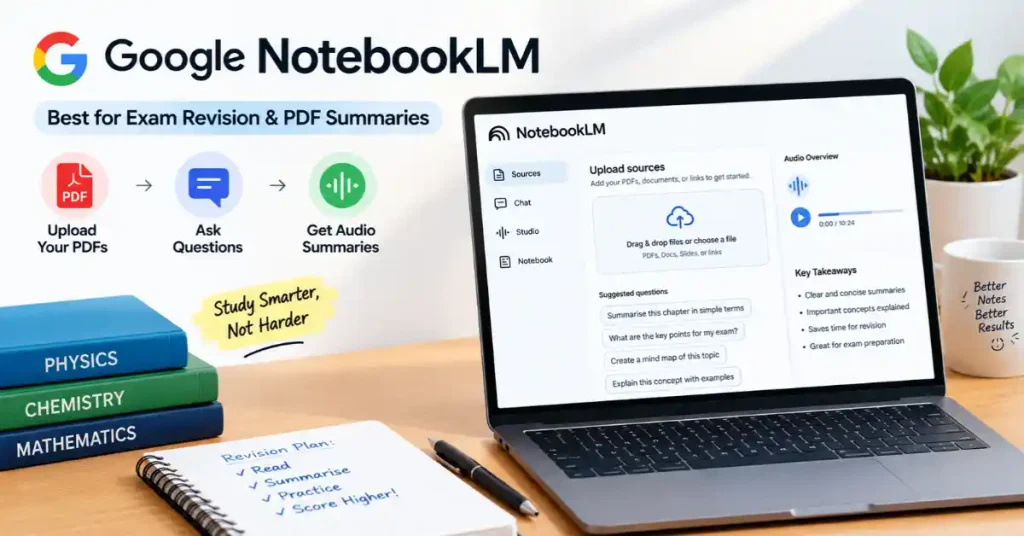
NotebookLM is one of the best free study tools available today. Unlike regular chatbots that search the open web, NotebookLM answers questions using only the study files you upload.
| PROS | CONS |
| Uses only your uploaded study notes | Needs your own source documents first |
| Creates practice quizzes and summary notes | Limited control over writing style |
| 100% free with no hidden paid limits |
Best Features of Google NotebookLM
- PDF Question & Answer: Upload PDFs, notes and study materials, then ask questions to understand specific topics.
- AI-Powered Summaries: Convert lengthy documents into short, easy-to-understand summaries.
- Audio Overviews: Turn study materials into podcast-style audio discussions.
- Source-Based Answers: Get answers based on your uploaded sources with citations.
- Study Guide Creation: Generate FAQs, revision notes, key points and practice questions.
- Multiple Source Support: Combine information from PDFs, Google Docs, websites and other supported sources.
Best Use Case: Upload your NCERT chapters, Students preparing for exams, researching topics, college lecture slides, or PDF notes. Ask NotebookLM to create a chapter summary, a list of main formulas, or practice quiz questions based only on your files.
2. ChatGPT (OpenAI) — Best All-Round Study Partner
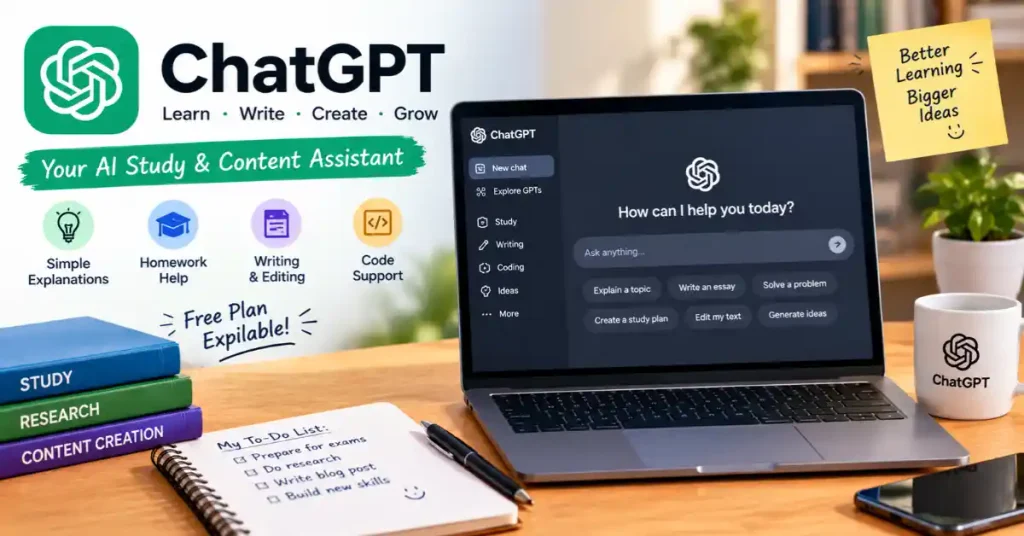
ChatGPT is a popular AI helper for students. Its free version uses smart language models that break down hard topics into simple explanations.
Best Features of ChatGPT (OpenAI)
- Homework Help: Solve maths problems, science questions and other academic doubts.
- Simple Explanations: Understand difficult topics through easy, step-by-step explanations.
- AI Tutoring: Learn at your own pace with interactive questions and personalised guidance.
- Writing Assistance: Create essays, assignments, summaries and blog drafts.
- Grammar & Editing: Improve sentence structure, spelling, grammar and readability.
- Coding Support: Understand programming concepts, debug code and learn new languages.
- Study Planning: Create revision schedules, practice questions and exam preparation plans.
- Image & File Analysis: Upload supported documents and images to get explanations and insights.
Best Use Case: Ask ChatGPT to “Explain quantum entanglement like I am a 12th-grade student” writing, editing and content ideas or use it to find errors in beginner coding tasks in C++, Python, or Java.
3. Perplexity AI — Best for Research Papers with Citations

Perplexity works like a search engine that looks up live web pages and gives clear answers with numbered source links.
Best Features of Perplexity AI
- Real-Time Web Search: Find the latest information from websites across the internet.
- Source Citations: Get clickable source links with answers to verify information.
- Research Assistance: Quickly explore topics, gather facts and understand complex subjects.
- Follow-Up Questions: Ask additional questions to explore a topic in greater detail.
- File Uploads: Upload supported documents and ask questions about their content.
- Quick Summaries: Turn lengthy web pages and research materials into concise summaries.
- Focused Search: Explore specific topics with relevant sources and more targeted answers.
- Free Search Access: Use basic AI-powered search without paying for a subscription.
Best Use Case: Finding verified numbers, research references, or history facts for college projects where you must list your sources.
4. Canva for Education — Best for Presentations & Diagrams
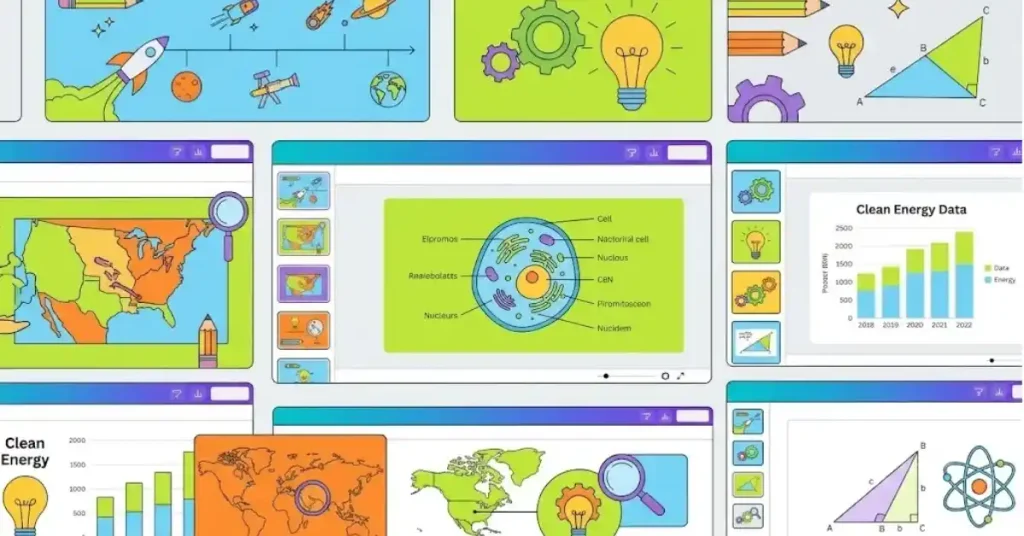
Canva includes AI design features (Magic Studio) that help you create slide decks, graphics, and cover pages from simple text prompts.
Best Features of Canva for Education
- Ready-Made Templates: Choose from thousands of templates for presentations, posters, infographics, worksheets and classroom projects.
- AI-Powered Design Tools: Use Canva AI features to generate design ideas, create content and improve your visuals.
- Presentation Maker: Create attractive slides with images, animations, charts and videos for school or college projects.
- Diagrams & Infographics: Design flowcharts, mind maps, timelines and educational diagrams to explain complex topics visually.
- Easy Drag-and-Drop Editor: Add text, images, icons and other elements without needing professional design skills.
- Team Collaboration: Work with classmates or teachers on shared designs and presentations.
- Educational Resources: Access learning templates and classroom materials for assignments, lessons and projects.
Best Use Case: Indian students with a college email address (.edu or .ac.in) can sign up for Canva for Education for free to unlock premium templates and AI design features.
Top Free AI Tools for Bloggers in India
1. Google Gemini — Best for Real-Time Topic Research
Google Gemini connects directly to live Google Search data, making it useful for bloggers researching current trends or news
| PROS | CONS |
| Live internet access through Google Search | Output can sometimes sound plain |
| Works directly inside Google Docs and Drive | Needs editing to match your personal voice |
| Generous free limits with large text reading space |
Best Features of Google Gemini
- Live Google Search Integration: Accesses up-to-the-minute web data and current news directly through Google Search.
- Inline Source Citations: Provides direct links and references for retrieved facts to make quick fact-checking easy.
- Deep Research Agent Mode: Autonomously explores multiple web sources to synthesize comprehensive, multi-step research reports.
- Multimodal Processing: Analyzes mixed data formats including text, charts, infographics, and images simultaneously.
- Google Workspace Connectivity: Instantly exports your researched outlines and content straight into Google Docs for seamless writing.
Best Use Case: Simplifying technical explanations and rewriting complex sentences in clear, natural language.
2. Claude AI (Anthropic) — Best for Natural-Sounding Writing
Claude is well known for writing smooth, natural sentences that do not feel rigid or robotic.
Best Features of claude
- Human-Like Writing Style: Writes with natural sentence flow, varied rhythm, and vocabulary that avoids robotic templates.
- Tone & Style Matching: Adapts easily to match your specific voice, formality level, and writing style.
- Large Context Window: Reads and remembers long texts, documents, or multiple chapters without losing its train of thought.
- Artifacts Workspace: Displays drafts, outlines, or code in a side panel for easy viewing, editing, and exporting.
- Advanced Document Analysis: Summarizes and uses uploaded text files, PDFs, and notes to craft well-grounded content.
Best Use Case: Writing catchy blog intros, rewriting clumsy paragraphs, and editing long article sections.
3. Grammarly (Free Tier) — Best for Editing & Proofreading

Grammarly’s free plan catches basic grammar mistakes, spelling errors, and word placement issues.
Best Features of grammarly
- Basic Spelling & Grammar Checks: Automatically catches and highlights typos, incorrect verb tenses, and basic spelling errors.
- Punctuation Correction: Fixes missing or misplaced commas, periods, and apostrophes to ensure sentence correctness.
- Clarity & Conciseness Suggestions: Flags wordy phrases, repetitive words, and overly complex sentences on the free plan.
- Real-Time Corrections: Provides instant, underlined suggestions directly as you type across web browsers, emails, and text boxes.
- Overall Writing Score: Displays a quick real-time score tracking your overall correctness and clarity.
Best Use Case: Proofreading your finished blog posts before publishing them to ensure clean Indian English.
4. QuillBot – Best for Sentence Rewriting
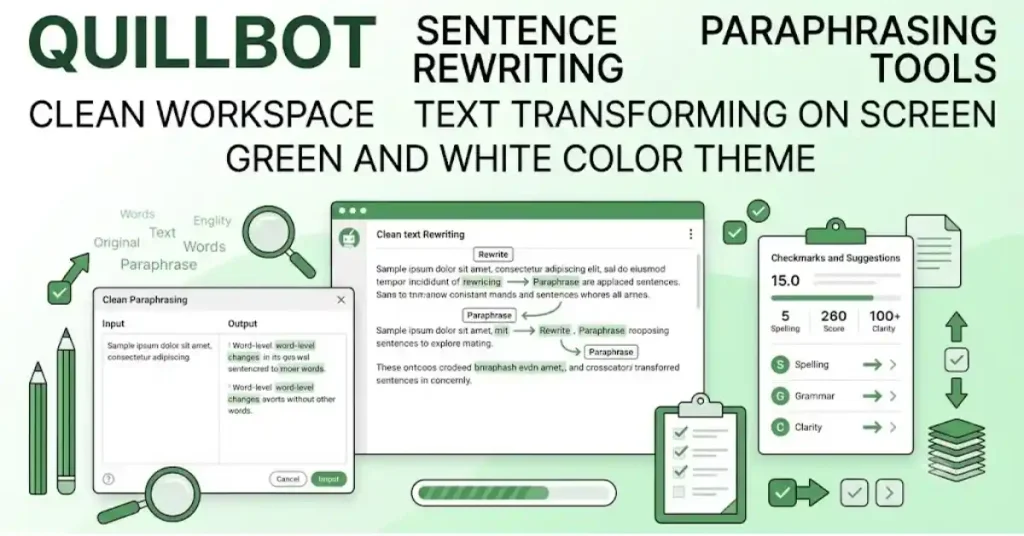
QuillBot helps you rewrite unclear or awkward sentences to make them smoother and easier to understand. Its free plan offers Standard and Fluency modes to improve readability while keeping the original meaning.
Best Features of Quillbot
- Instant Sentence Rephrasing: Instantly rewrites individual sentences or entire paragraphs in seconds without changing the core meaning.
- Multiple Rewriting Modes: Offers essential styles like Standard (adjusts vocabulary and word order) and Fluency (prioritizes readability), with additional tone modes available on premium plans.
- Synonym Control Slider: Lets you fine-tune word choices to make the rewrite as conservative or aggressive as you prefer.
- Vocabulary & Flow Enhancement: Automatically upgrades awkward phrasing and eliminates repetitive words to give your draft a smoother, more professional finish.
- Clean, User-Friendly Workspace: Features a side-by-side comparison layout that makes it easy to review and copy your original text alongside the freshly rewritten output.
Best Use Case: Simplifying technical explanations and rewriting complex sentences in clear, natural language
Step-by-Step: Creating an Efficient Free AI Workflow
You can get better results by combining different AI tools rather than depending on a single platform. Each tool serves a specific purpose, helping you save time and improve the quality of your work.
Student Workflow
- Organise Study Notes: Use Google NotebookLM to summarise notes, understand key topics, and generate quizzes.
- Understand Concepts: Ask ChatGPT for step-by-step explanations of difficult subjects.
- Find Reliable Sources: Use Perplexity AI to research topics and discover relevant source links.
- Review and Improve: Use Grammarly to correct grammar, improve clarity, and refine your writing style.
Blogger Workflow
- Research Topics: Use Google Gemini to explore trending topics, discover common questions, and generate content ideas.
- Prepare the Draft: Use Claude or ChatGPT to create an outline, organise key points, and develop an initial draft.
- Design Images: Use Canva AI to create attractive feature images and supporting graphics for your blog posts.
- Edit and Polish: Use Grammarly or QuillBot to improve sentence structure, correct errors, and make the content more readable.
Academic Integrity and SEO Ethics in India
When using AI tools for academic assignments or blog content, follow these basic guidelines to maintain originality and credibility.
Avoid Direct Copying: Do not copy and submit AI-generated content or material from other websites without reviewing and rewriting it in your own words. Indian universities may use plagiarism detection tools such as Turnitin and DrillBit to identify copied material.
Always verify facts, cite sources where required, and add your own understanding and analysis. For SEO content, focus on providing accurate, useful, and original information rather than simply rewriting existing articles. AI should support your work, not replace your own research and judgement.
Always write assignments in your own words, using AI only for study and research help.
- Double-Check Facts: AI language models can state wrong facts with confidence. Always verify numbers, formulas, and dates using your textbooks or official websites.
- Focus on Reader Value for SEO: Search engines reward helpful articles. Publishing thin, AI-generated articles without personal insight or fact checks can lower your blog’s visibility on Google.
READ ALSO:-Best Tablets Under ₹50,000 in India (2026): Top Picks and Buying Guide
10. FAQ
Q1: Are these AI tools completely free to use in India?
A: Yes. All the tools in this guide—including Google NotebookLM, ChatGPT, Perplexity AI, Google Gemini, and Grammarly—offer free plans that do not require credit card details.
Q2: Which free AI tool is best for writing college assignments?
B: Using Google NotebookLM (to organize notes), ChatGPT (to draft outlines and learn concepts), and Grammarly (to fix grammar) together works best for college assignments.
Q3: Can Indian students get free access to paid AI tools?
C: Yes. Indian students with an official college email address (.edu or .ac.in) can sign up for Canva for Education and apply for the GitHub Student Developer Pack, which includes free developer resources and access to select AI tools.
Q4: Does using AI for blogging hurt Google search rankings?
D: Google focuses on content quality rather than how a post was made. If your blog post gives accurate, helpful information and is reviewed by a human, using AI to research or plan outlines will not hurt your rankings.
Q5: What is the best free AI tool for paraphrasing sentences?
E: QuillBot is widely used in India for paraphrasing. Its free version lets you rewrite text using Standard and Fluency modes to make sentences clearer.
Q6: How can I use AI to study for competitive exams like JEE, NEET, or UPSC?
F: Upload your study notes into Google NotebookLM to create quick summaries and practice quizzes. Use ChatGPT to get step-by-step explanations for tough math, physics, or chemistry problems.
Q7: Do I need a VPN to access these AI tools in India?
G: No. You can open and use all the tools in this guide directly in India using regular home Wi-Fi or mobile data without a VPN.