
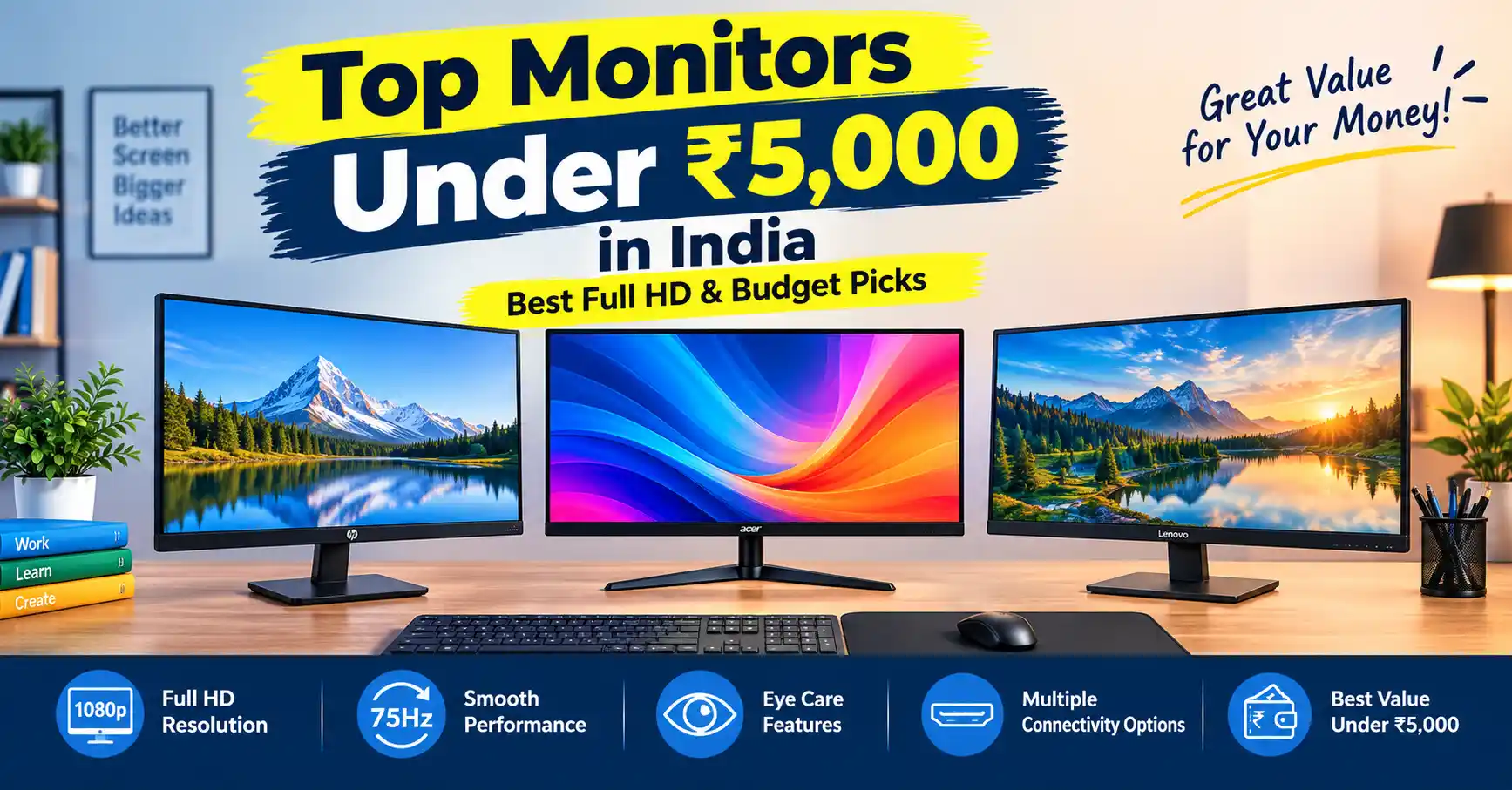
The AOC 22B30HM2 and MSI PRO MP223 E2 are good options to consider for a monitor under ₹5,000 in India. Both offer a 21.5-inch Full HD display, making them suitable for everyday tasks such as office work, online classes, browsing, and entertainment. Before buying, check the exact refresh rate, available ports, and eye-care features of the specific model.
If you have a tighter budget of under ₹4,000, the Zebronics ZEB-A122 and Frontech Ultima Series MON-0079C are alternatives to explore. They can suit basic home-office and online-learning needs if their specifications and current prices meet your requirements.
Key Takeaways
- Screen Size and Resolution: You can expect 18.5-inch to 21.5-inch screen sizes. Full HD (1080p) displays are now easily available between ₹4,000 and ₹5,000.
- Ports: Always buy a monitor that has both HDMI and VGA ports. This ensures it works with new laptops as well as older Indian desktop cabinets.
- Panel Types: VA panels offer deeper contrast and darker blacks. IPS panels offer wider viewing angles. TN panels are mostly found in basic models under ₹3,500.
- Refresh Rate: Budget monitors now range from 60Hz up to 100Hz or 120Hz. A higher refresh rate makes mouse movements and web page scrolling feel smoother.
- Warranty: Look for a 1 to 3-year brand warranty. Make sure the brand has an accessible service center in your city.
Quick Comparison Table
| Brand & Model | Screen Size | Resolution | Panel Type | Max Refresh Rate | Video Ports | Approx. Street Price (INR) |
| AOC 22B30HM2 | 21.5-inch | Full HD (1920×1080) | VA | 120Hz | HDMI, VGA | ₹4,800 – ₹5,000 |
| MSI PRO MP223 E2 | 21.45-inch | Full HD (1920×1080) | VA | 100Hz | HDMI, DisplayPort/VGA | ₹4,800 – ₹5,000 |
| Zebronics ZEB-A122 | 21.5-inch | Full HD (1920×1080) | VA | 100Hz / 75Hz | HDMI, VGA | ₹3,800 – ₹4,300 |
| Frontech Ultima MON-0079C | 21.5-inch | Full HD (1920×1080) | VA (Curved) | 100Hz | HDMI, VGA | ₹4,200 – ₹4,800 |
| Foxin FM19 / Crystal | 18.5 to 22-inch | HD+ / Full HD | TN / VA | 60Hz | HDMI, VGA | ₹3,200 – ₹3,900 |
Detailed Reviews of Top Monitors Under ₹5,000
1.AOC 22B30HM2 (21.5-inch Full HD)

Best Overall Performance
The AOC 22B30HM2 is one of the best budget monitors you can buy in India. It comes with a 21.5-inch Full HD VA panel, a 120Hz refresh rate, and a fast 1ms response time. It handles daily tasks, video streaming, and casual gaming smoothly without screen lag.
Key Features
- Full HD Resolution: The 1920 × 1080 resolution provides clear text and detailed images for everyday computer use.
- High Refresh Rate: The advertised 120Hz refresh rate can make scrolling, cursor movement, and supported games look smoother than on a standard 60Hz monitor.
- VA Panel: Provides good contrast and deeper blacks, making it suitable for watching movies and videos.
- Adaptive-Sync Support: Helps reduce screen tearing when supported by the monitor and graphics hardware.
- HDMI and VGA Connectivity: Offers options for connecting compatible laptops, desktop PCs, and older computers.
Downsides
- No built-in speakers, so you will need external speakers or headphones.
- The stand supports tilt adjustment only, with no height adjustment.
- The 250-nit brightness may be less suitable for very bright rooms with direct sunlight.
- The 21.5-inch screen may feel small for multitasking with several windows.
2. MSI PRO MP223 E2 – 21.45-inch Full HD Monitor

Best for Coding, Productivity & Office Work
The MSI PRO MP223 E2 is built for professionals and students who spend long hours working on computers. It features TÜV-certified eye care, an anti-glare screen coating, a 3000:1 contrast ratio, and a 100Hz refresh rate. Text looks sharp and easy to read in documents and coding apps.
Key Features
- Full HD Display: The 21.45-inch screen with 1920 × 1080 resolution provides clear text and detailed images for documents, spreadsheets, browsing, and coding.
- 100Hz Refresh Rate: Offers smoother scrolling and cursor movement than a standard 60Hz monitor.
- VA Panel Technology: Delivers a high 3000:1 contrast ratio for deeper blacks and good contrast when watching videos or working with text.
- Eye-Care Features: MSI’s TÜV-certified eye-care technology and anti-flicker features help make extended screen use more comfortable.
- Anti-Glare Screen: Reduces reflections from surrounding light, making it useful for home and office environments.
- VESA Mount Support: Allows you to attach the monitor to a compatible wall mount or monitor arm.
Downsides:
- No built-in speakers.
- Stand offers tilt adjustment only.
- 250-nit brightness may be limited in bright rooms.
- 21.45-inch screen may feel small for multitasking.
- No USB-C connectivity.
3. Zebronics ZEB-A122 (21.5-inch Full HD)
Best Value Budget Pick
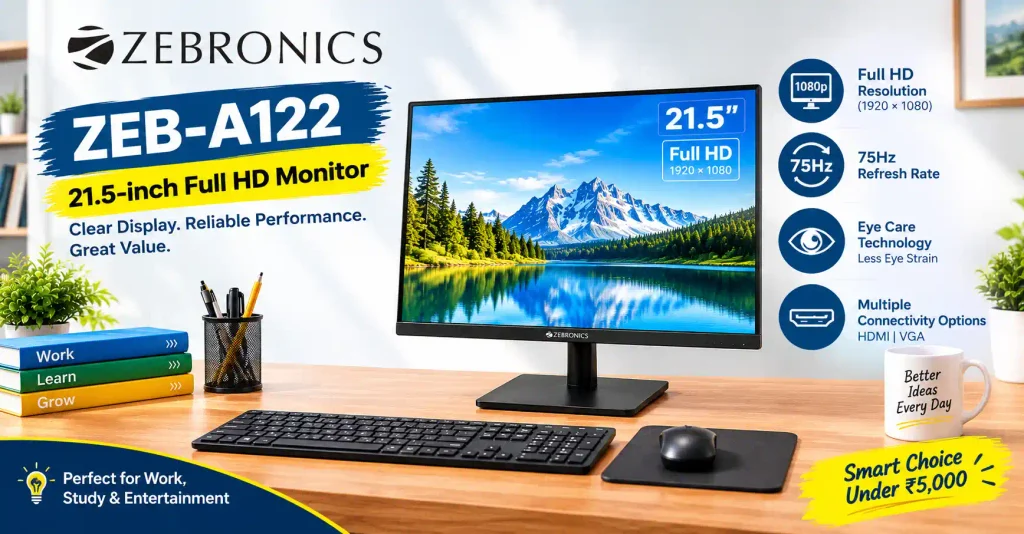
Zebronics is a popular brand in India for affordable computer accessories. The ZEB-A122 features a slim, borderless design with a Full HD 1080p display for under ₹4,200. It supports wall mounting and includes an anti-glare coating to reduce room reflections.
Key Features
- Full HD Resolution: The 21.5-inch display offers 1920 × 1080 resolution for clear text, documents, videos, and web browsing.
- 100Hz Refresh Rate: Provides smoother scrolling and cursor movement than a standard 60Hz monitor, making everyday use feel more responsive.
- VA Panel Technology: Delivers a high 4000:1 contrast ratio for deeper blacks and better contrast when watching movies or videos.
- Anti-Glare Screen: Helps reduce reflections from surrounding light during study and office work.
- Slim, Bezel-Less Design: Gives the monitor a modern look and suits compact desk setups.
- HDMI and VGA Ports: Support connections to compatible modern laptops, desktop PCs, and older computers.
- Wall-Mount Support: The 75 × 75mm VESA mounting pattern allows you to attach the monitor to a compatible mount.
- Low Power Consumption: The manufacturer’s specifications list a maximum power consumption of around 20W.
Downsides:
- 250-nit brightness may be limited in very bright rooms.
- No USB-C connectivity.
- Basic stand with limited adjustment options.
- Not ideal for professional colour-critical editing.
- Check the exact model and current price, as the Amazon link may show a different Zebronics monitor.
4. Frontech Ultima Series MON-0079C (21.5-inch FHD)

Best Curved Panel Option
The Frontech MON-0079C comes with a 21.5-inch Full HD curved screen and a 100Hz refresh rate. The subtle curve makes watching videos more engaging while cutting down light reflections in bright rooms.
Key Features
- Full HD Resolution: The 1920 × 1080 resolution delivers clear text and detailed visuals for everyday computing, online classes, and video streaming.
- Curved VA Panel: The 22-inch curved screen offers a different viewing experience and good contrast for movies and daily use.
- 100Hz Refresh Rate: The newer listed version supports 100Hz, making scrolling and cursor movement smoother than on a standard 60Hz display. Check the exact version before buying.
- HDMI and VGA Connectivity: Connect compatible laptops, desktop PCs, and older computers.
- Slim, Bezel-Less Design: Its modern appearance suits compact home-office and study desks.
- VESA Wall-Mount Support: The 75 × 75mm mounting pattern allows installation on a compatible wall mount.
- Wide Viewing Angles: The listed 178-degree viewing angles help maintain a usable picture when viewing from different positions.
Downsides:
- 250-nit brightness may be limited in bright rooms.
- No USB-C connectivity.
- 5ms response time is less suited to competitive gaming.
- The 22-inch curved screen offers limited space for multitasking.
- The price may exceed the ₹5,000 budget.
What to Compare Before Buying
1. Screen Resolution: HD vs HD+ vs Full HD
- HD / HD+ (1366×768 / 1680×1050): Found in screens priced below ₹3,500. Good enough for basic office tasks or CCTV displays, but on-screen work space is limited.
- Full HD (1920×1080): Recommended size for 21.5-inch monitors. Text looks crisp, videos play in clear detail, and you can open two windows side by side easily.
2. Display Panel Types
- IPS (In-Plane Switching): Gives wide 178-degree viewing angles and accurate colors. Best for photo editing, though harder to find under ₹5,000 unless there is a sale.
- VA (Vertical Alignment): Offers strong contrast ratios (3000:1) and deep blacks. Great for reading documents, typing, and watching movies.
- TN (Twisted Nematic): Offers fast response times at a lower price, but colors look washed out if you view the screen from the sides.
3. Connection Ports: HDMI & VGA
Many Indian home setups combine older desktop cabinets (which use VGA ports) with newer laptops (which use HDMI ports). Pick a monitor with both HDMI and VGA inputs so you do not need to buy extra adapter dongles.
4. Refresh Rate & Eye Care
- Refresh Rate: Refresh rate is measured in Hertz (Hz) and shows how many times the screen updates per second. Monitors running at 75Hz, 100Hz, or 120Hz cause less eye strain during long working hours than older 60Hz panels.
- Flicker-Free & Low Blue Light: These features stop screen flickering and lower harmful blue light emissions. They are helpful for students and office workers attending long online classes or meetings.
7. Warranty and After-Sales Service
- Check the warranty period, dead-pixel policy, and availability of authorised service centres in your area. A reliable warranty can be especially valuable when buying an inexpensive monitor.
8. Price and Overall Value
- Compare the final selling price, delivery charges, return policy, and included accessories. A monitor with a higher refresh rate may be attractive, but resolution, connectivity, reliability, and warranty are equally important.
READ ALSO: Best Neckband Under 1000 in India
Frequently Asked Questions
- Can I get a 24-inch monitor under ₹5,000 in India?
- Most 24-inch monitors (like IPS models from Samsung or LG) cost between ₹6,000 and ₹8,000. However, during major online festival sales like Diwali or Independence Day sales on Amazon and Flipkart, bank discounts can sometimes bring prices down close to ₹5,000.
- Is a 100Hz or 120Hz monitor under ₹5,000 good for gaming?
- Yes. Budget 100Hz and 120Hz monitors from AOC or MSI give you smoother motion for casual gaming (such as CS:GO, Valorant, or GTA V) compared to older 60Hz screens. However, serious esports players may still see slight screen blurring during fast movements.
- Are domestic brands like Zebronics and Frontech reliable?
- Brands like Zebronics, Frontech, and Foxin offer good budget options if your funds are limited. They work reliably for daily web browsing, school work, and basic office tasks. Most of these models come with a 1-year brand warranty across India.
- Why Is My Monitor Showing “No Signal” When Connected via HDMI?
- This usually happens when the monitor’s input source is set to VGA instead of HDMI. Press the menu buttons on your monitor to set the active input channel to “HDMI”, or disconnect and reconnect the cable tightly.
1 thought on “Best Budget Monitors Under ₹5,000 in India:”